
 New
New
Preparing game…
Use this short note to understand the game feel before you start.
This game suits players who enjoy calm puzzle solving, pattern spotting, and vocabulary practice. It offers a familiar word-search format with an extra layer of hidden-word discovery, which gives each board more to chase.
Useful details about the pace, style, and browser play experience.
Themed word search boards with changing topic sets.
Hidden bonus words that are separate from the main target list.
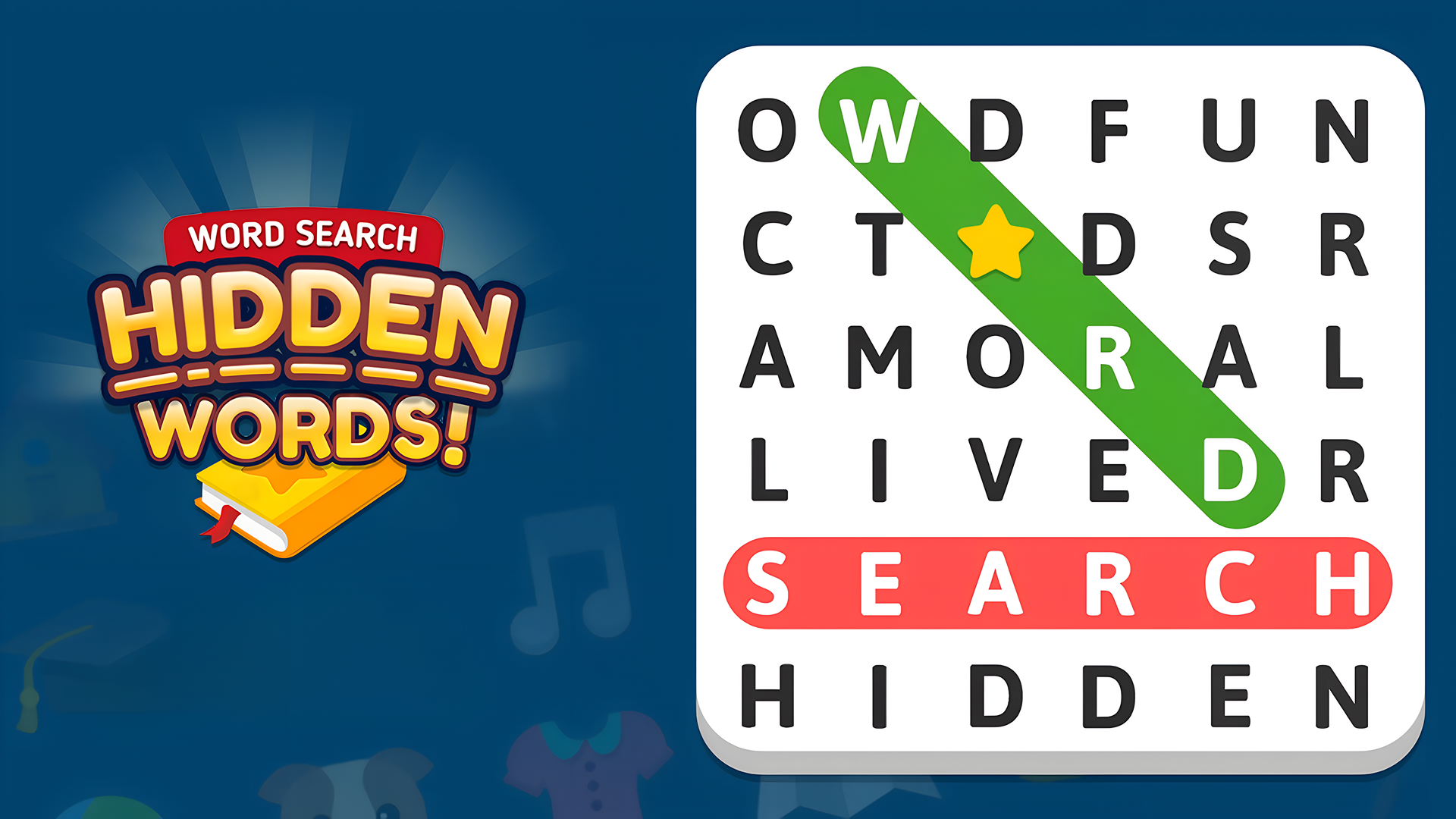
Word-finding across multiple directions, including diagonal paths.
Bonus coin rewards for collecting hidden words.
Browser play on mobile and desktop without downloads.
Goals to focus on while playing this Brain game.
Find every listed word in the puzzle board.
Scan the grid for letters that connect into valid words.
Discover hidden bonus words using clues from already found words.
Collect enough hidden words to earn bonus coins.
Start with these simple steps before trying faster runs in Word Search Hidden Words.
Open a level and read the word list.
Search the grid for matching letter patterns.
Select words by following the letters in the correct direction.
Look for hidden bonus words after clearing or spotting clues.
Use the available inputs for your device and adjust after the game loads.
Use the on-screen touch controls to select letters.
Follow the in-game prompts when a word is found.
Use the mouse or in-game prompts to select letters.
If available, follow keyboard hints shown by the game interface.
Helpful tips for cleaner starts, smoother attempts, and better runs.
Start with longer words because they are easier to spot.
Check diagonals as well as straight lines.
Use found words to help narrow down leftover letter groups.
Revisit empty-looking sections of the board after each match.
Shown only when a useful language note is available from the provider or editor.
English
Short answers to common questions about gameplay and access.
Yes, it runs in the browser, so you can play on supported mobile and desktop devices.
The main goal is to find all listed words in the letter grid and uncover bonus hidden words.
No, words can also appear diagonally, so it helps to scan in several directions.
Clear themed levels and move on to new word lists.
Keep finding words until the level is complete.
Yes, finding hidden words can earn bonus coins and adds an extra objective to each board.