 New
New
Preparing game…
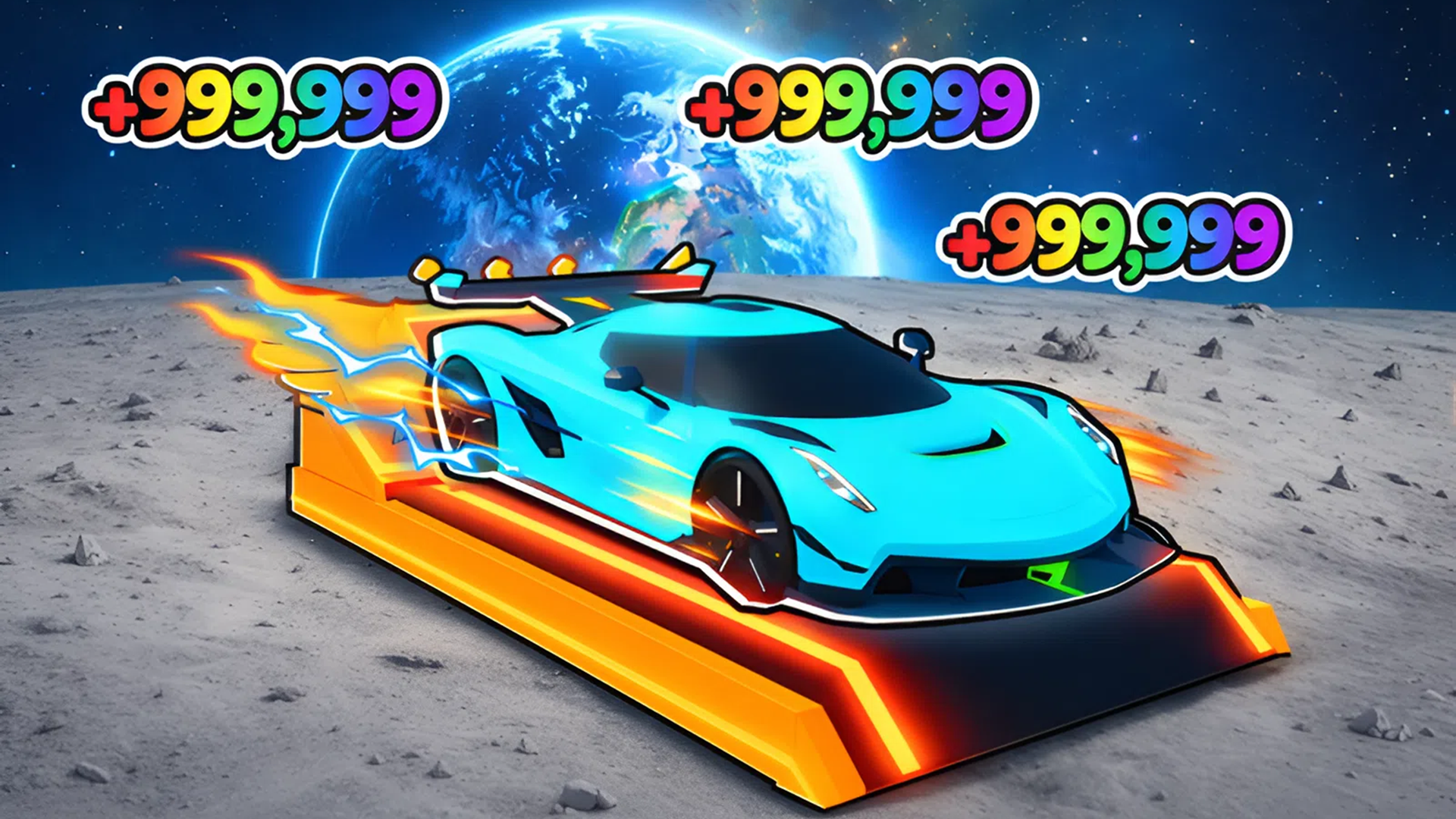
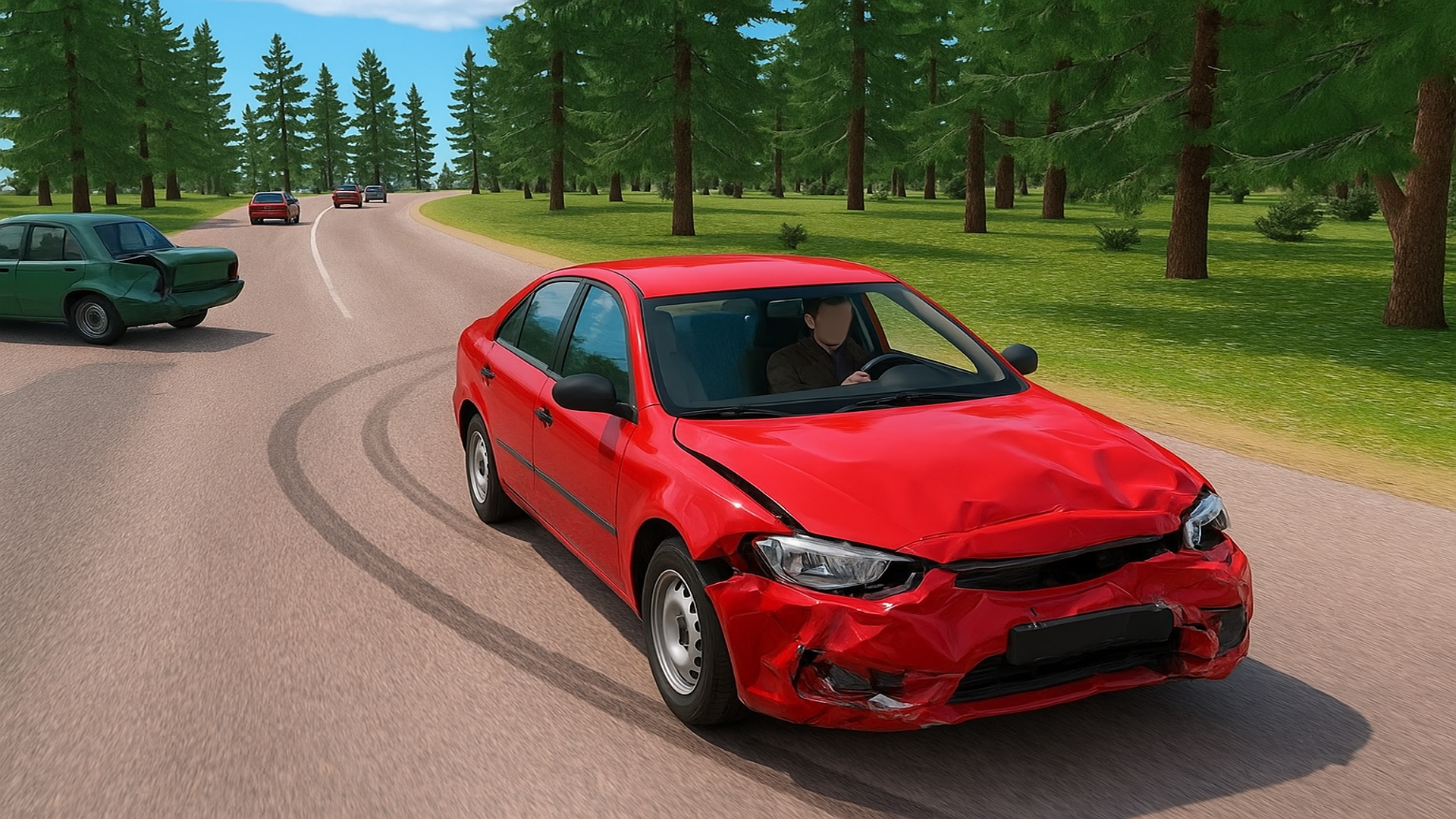
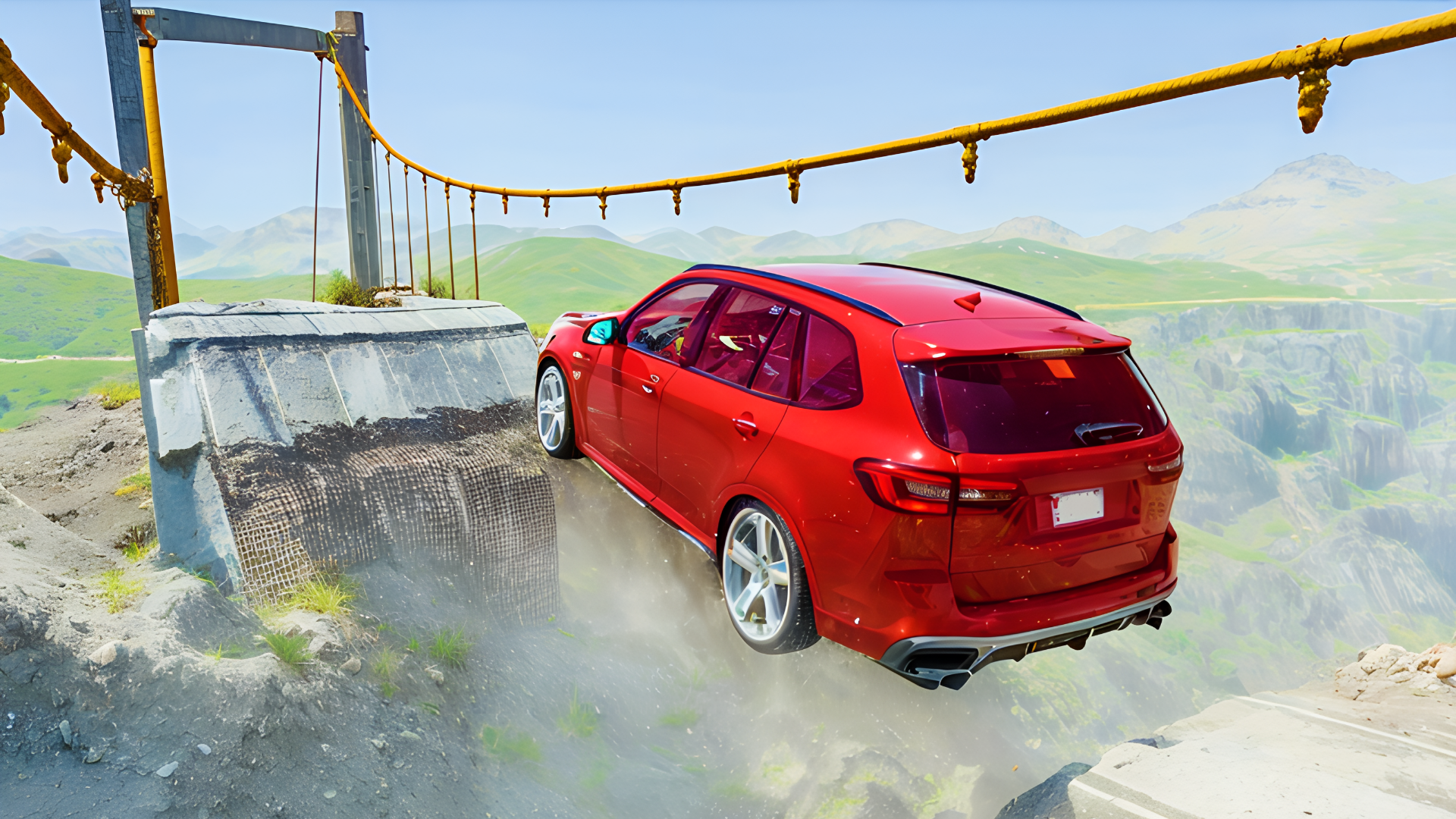
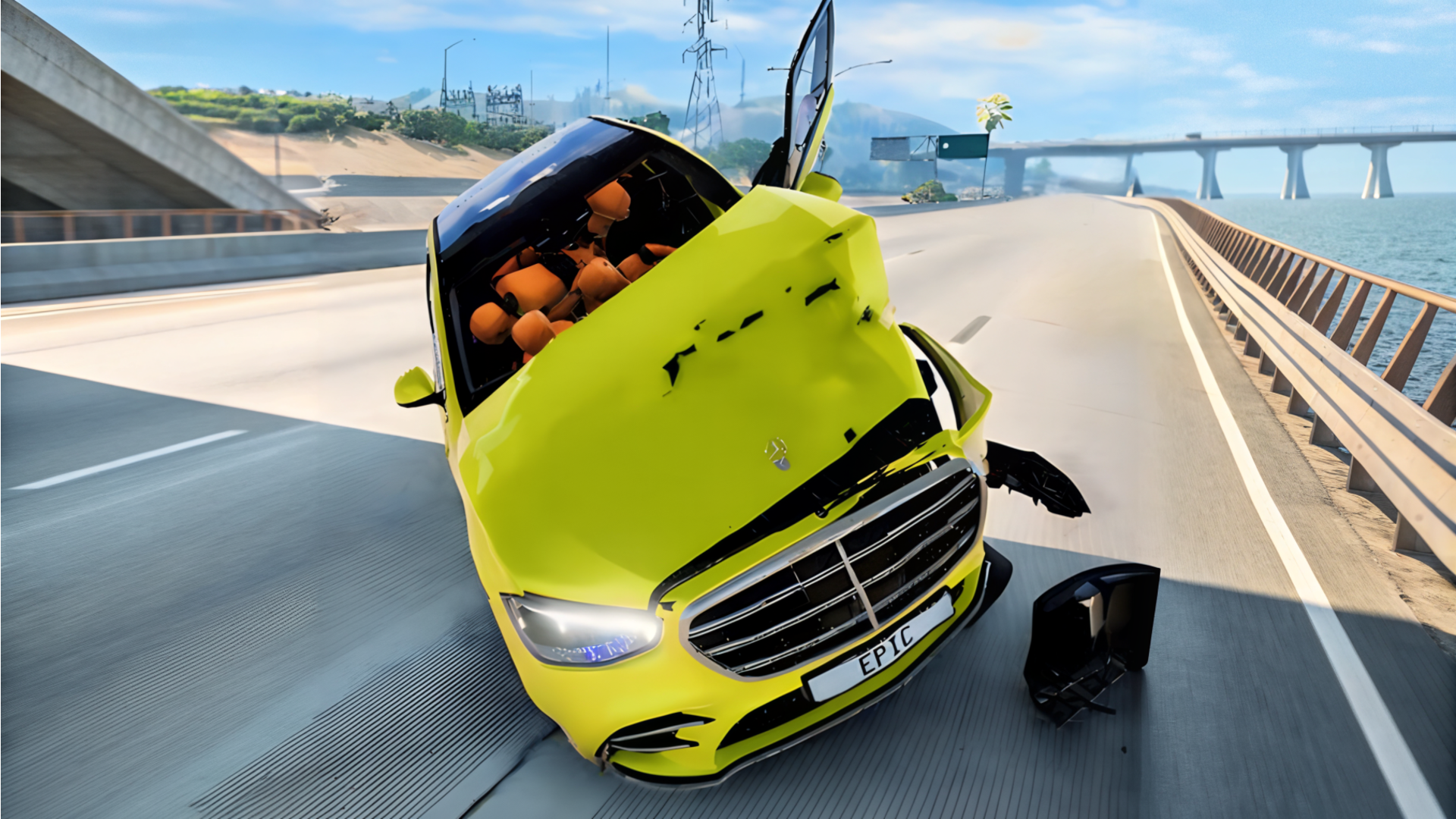
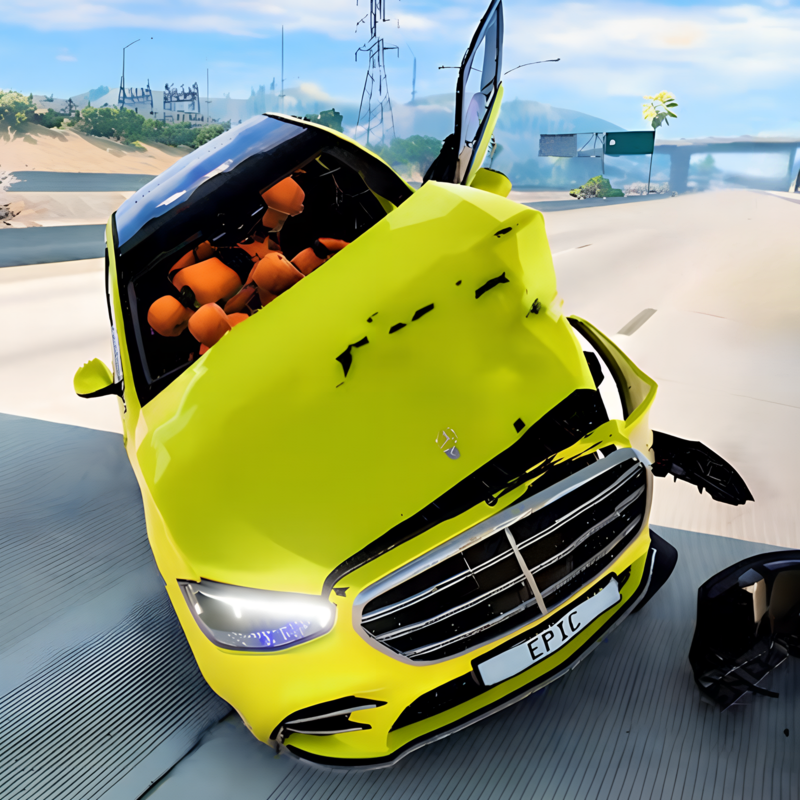
BMG Crash Test is a 3D driving simulator built around car destruction and physics-heavy obstacle runs. Players choose different vehicles and send them through test tracks filled with hammers, presses, ramps, and other dangerous machines. The challenge is not just speed, but seeing how each car reacts to impacts, jumps, and collisions. Because it runs in the browser, you can jump straight into a crash test session on desktop or mobile without installing anything. The game works well for players who want a simple driving setup focused on experimenting, wrecking cars, and watching the results of each impact.
Use this short note to understand the game feel before you start.
This game suits players who enjoy vehicle physics, destruction tests, and simple driving challenges. It focuses on experimenting with different cars and obstacle layouts rather than racing for laps, so every run is about seeing what happens when the vehicle meets the next hazard.
Useful details about the pace, style, and browser play experience.
Drive a range of cars through crash-test tracks with moving hazards.
Physics-based impacts show how each vehicle handles hits, jumps, and crushes.
Large obstacle maps include hammers, crushers, ramps, and presses.
Switch between cars to compare damage and reactions across different models.
Browser-based play makes it easy to start a session quickly on desktop or mobile.
Goals to focus on while playing this Simulation game.
Choose a car and send it onto the test track.
Hit ramps and obstacles to create bigger crashes and impacts.
Use the track hazards to damage or destroy the vehicle.
Try different cars to compare how each one reacts to the same setup.
Start with these simple steps before trying faster runs in BMG Crash Test.
Pick a car before entering the test area.
Drive onto the track and aim for ramps, crushers, or hammer zones.
Use the in-game prompts or on-screen controls to move and steer.
Switch cars when you want to compare damage patterns.
Use the available inputs for your device and adjust after the game loads.
Use the on-screen controls.
Follow the in-game prompts for driving and camera actions.
Use the keyboard and in-game prompts when available.
If shown, follow the on-screen hints for pausing, camera changes, or time control.
Helpful tips for cleaner starts, smoother attempts, and better runs.
Approach ramps with enough speed to reach the next obstacle cleanly.
Try the same track with different cars to see which one breaks differently.
Use slower approaches when you want more control near crushers or presses.
Watch the obstacle timing before driving into moving hazards.
Repeat runs to learn the safest line through each test map.
Short answers to common questions about gameplay and access.
It is a 3D car crash simulator with obstacle-heavy test tracks and physics-based impacts.
Yes, it runs as an HTML5 browser game and can be played without installation.
No, the main focus is testing vehicles on hazards, ramps, and crushers rather than competing in races.
Push for stronger wrecks and better crash-test results on each run.
Reset and try again to create a bigger crash or a longer run.
Yes, the game supports mobile play with on-screen controls.