 New
New
Preparing game…
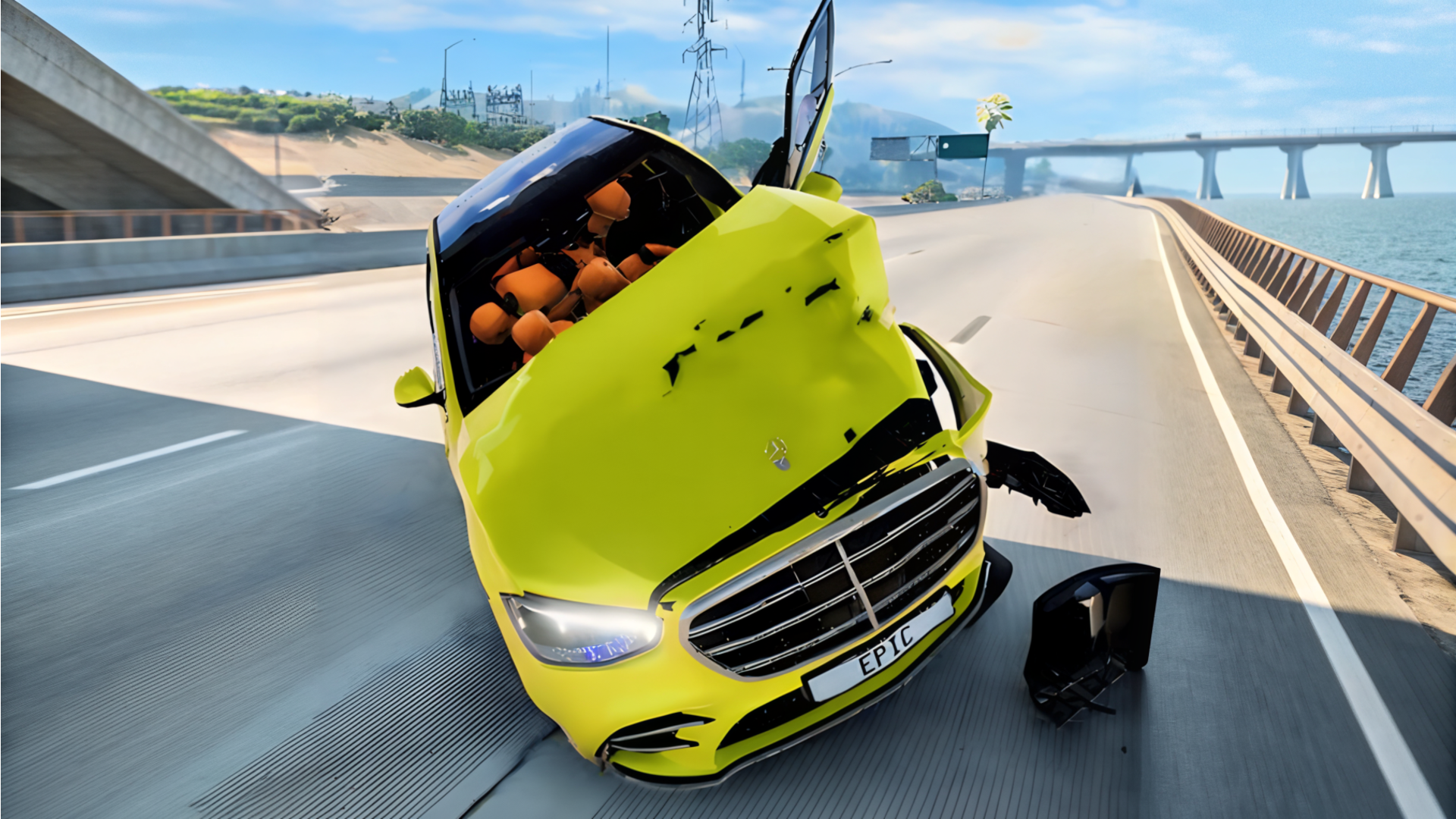
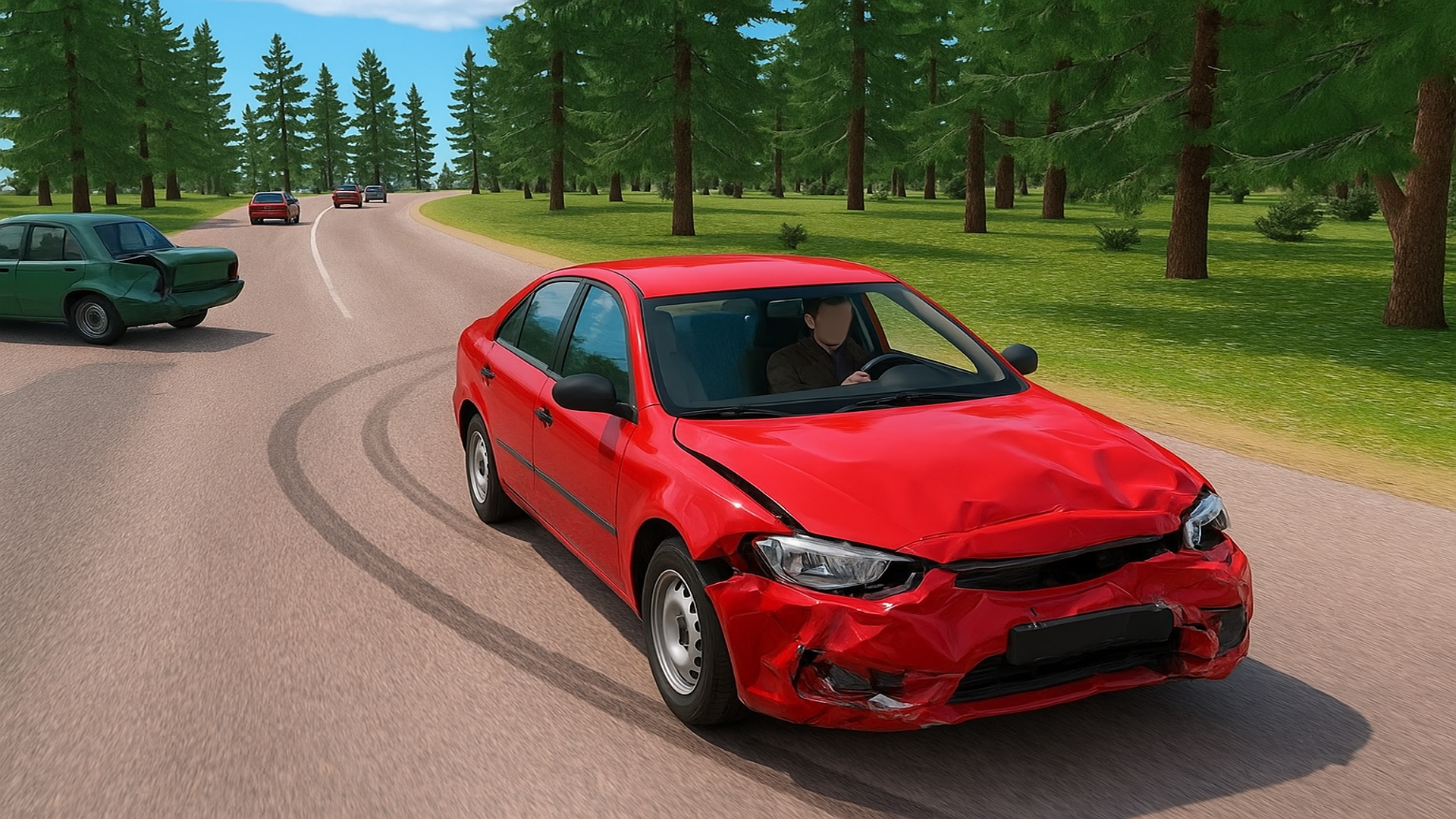
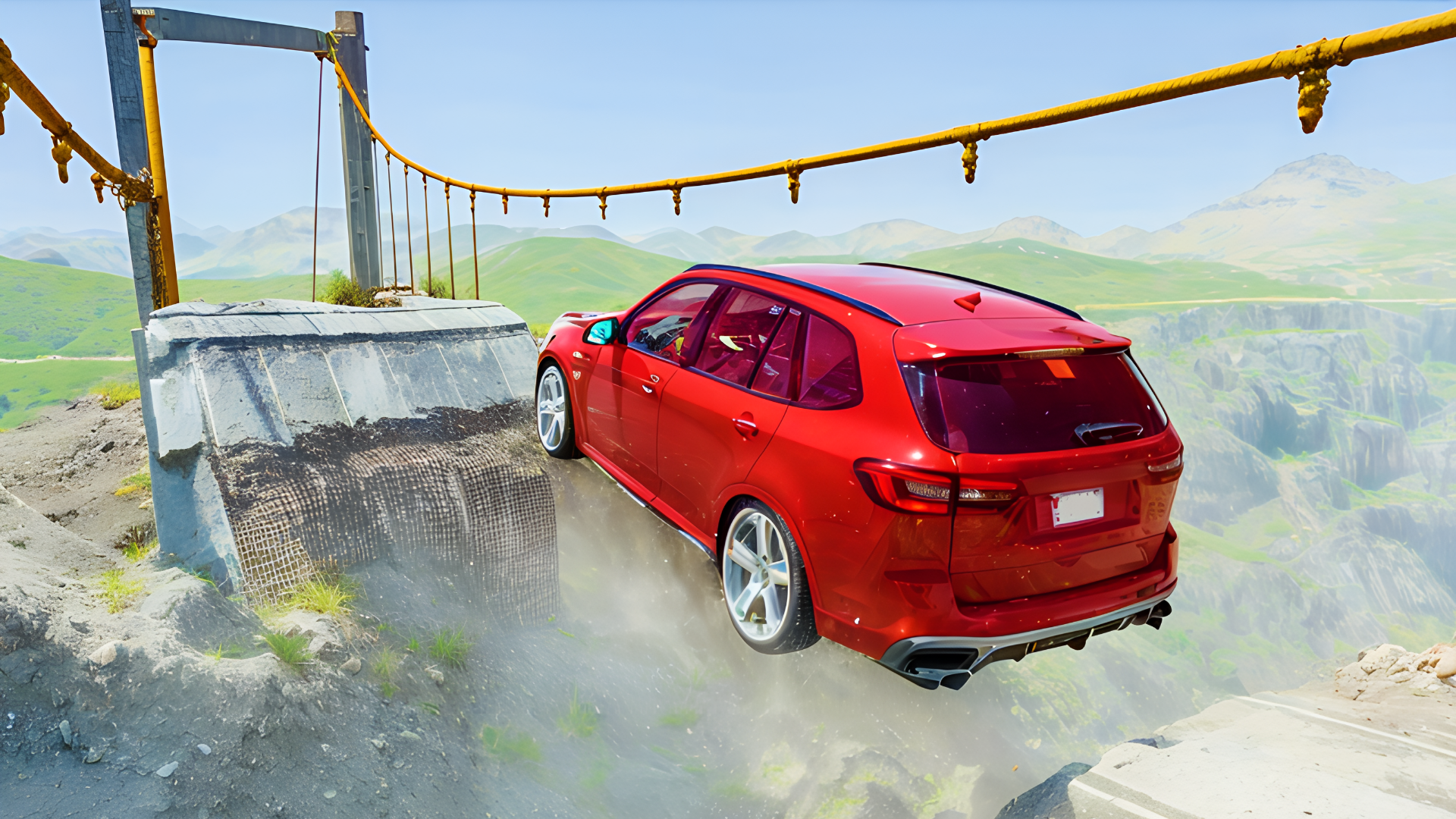
Crime and Vice City Police is a 3D driving game built around city cruising, police pressure, and car destruction. You can switch between vehicles, move through urban streets, hills, and crash-test style areas, and see how each car handles under impact. The experience mixes free driving with physics-based collisions, so small mistakes can lead to bent panels, flips, or full wrecks. It also supports online multiplayer, which adds more traffic and more chances to create pileups. Because it runs in the browser, you can jump into the game quickly and start experimenting with different cars and camera views right away.
Use this short note to understand the game feel before you start.
This game suits players who like open driving, vehicle damage, and physics-heavy crashes more than strict racing. It is a good pick if you want to test different cars, watch realistic collision effects, and explore a 3D city directly in the browser.
Useful details about the pace, style, and browser play experience.
Drive across multiple map types, including city streets, hills, and crash-test tracks.
Switch between different cars during play.
Physics-based crashes with visible car deformation and damage.
Slow-motion moments for watching collisions more closely.
Online multiplayer with other vehicles in the same world.
Car tuning options for customizing your ride.
Goals to focus on while playing this Driving game.
Explore the city and find places to drive, crash, or test vehicles.
Swap cars when you want a different handling style or new damage test.
Avoid or interact with police traffic while navigating crowded roads.
Trigger collisions and observe how the physics system handles each impact.
Start with these simple steps before trying faster runs in Crime and Vice City Police.
Use the on-screen controls or follow the in-game prompts to drive and steer.
Switch cars when you want to try a different vehicle.
Use camera options to change your view while driving.
Reset or restore your car if it gets stuck or heavily damaged.
Use the available inputs for your device and adjust after the game loads.
Use the on-screen controls.
Follow the in-game prompts for driving, camera changes, and car switching.
Use the keyboard and in-game prompts when available.
If supported in the game UI, use the listed keys for driving, camera, and car actions.
Helpful tips for cleaner starts, smoother attempts, and better runs.
Use nitro carefully on open roads so you do not lose control in traffic.
Switch camera angles if you need a better view for tight turns.
Restore your car after heavy crashes to keep driving smoothly.
Look for wide spaces before testing high-speed impacts.
In multiplayer, expect more unpredictable traffic around intersections.
Short answers to common questions about gameplay and access.
It is mainly a driving and simulation game with crash physics, city traffic, and police presence.
Yes, it runs in an HTML5 browser window, so you can play without installing a separate app.
Yes, the provided game details mention online multiplayer.
Use tuning and camera changes to experiment with different driving setups.
Explore the map to find traffic, police, and crash areas.
Try slow motion when you want to study a collision.
Drive different cars through the city, test collisions, and experiment with traffic, police, and vehicle damage.