
 New
New
Preparing game…
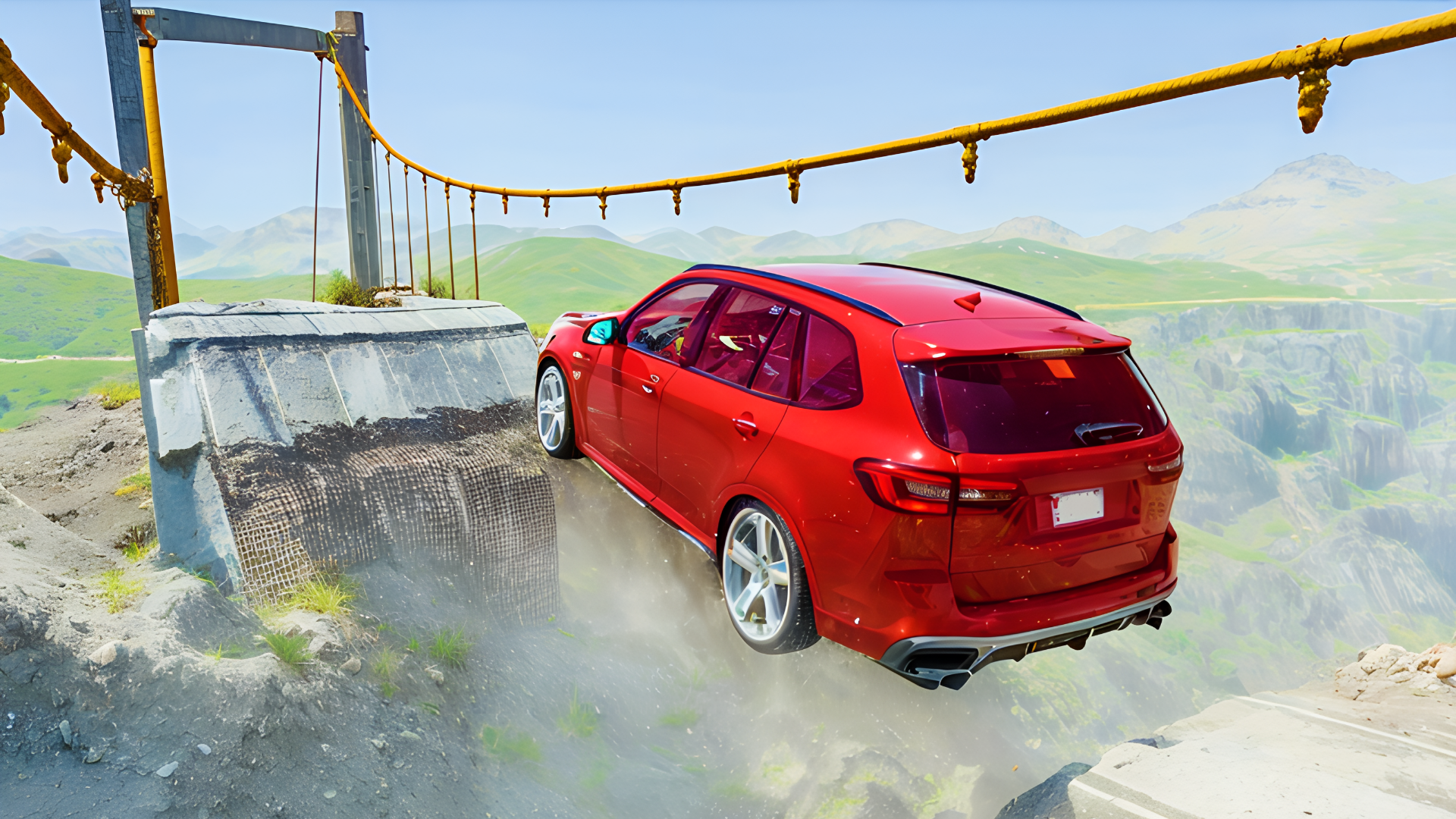
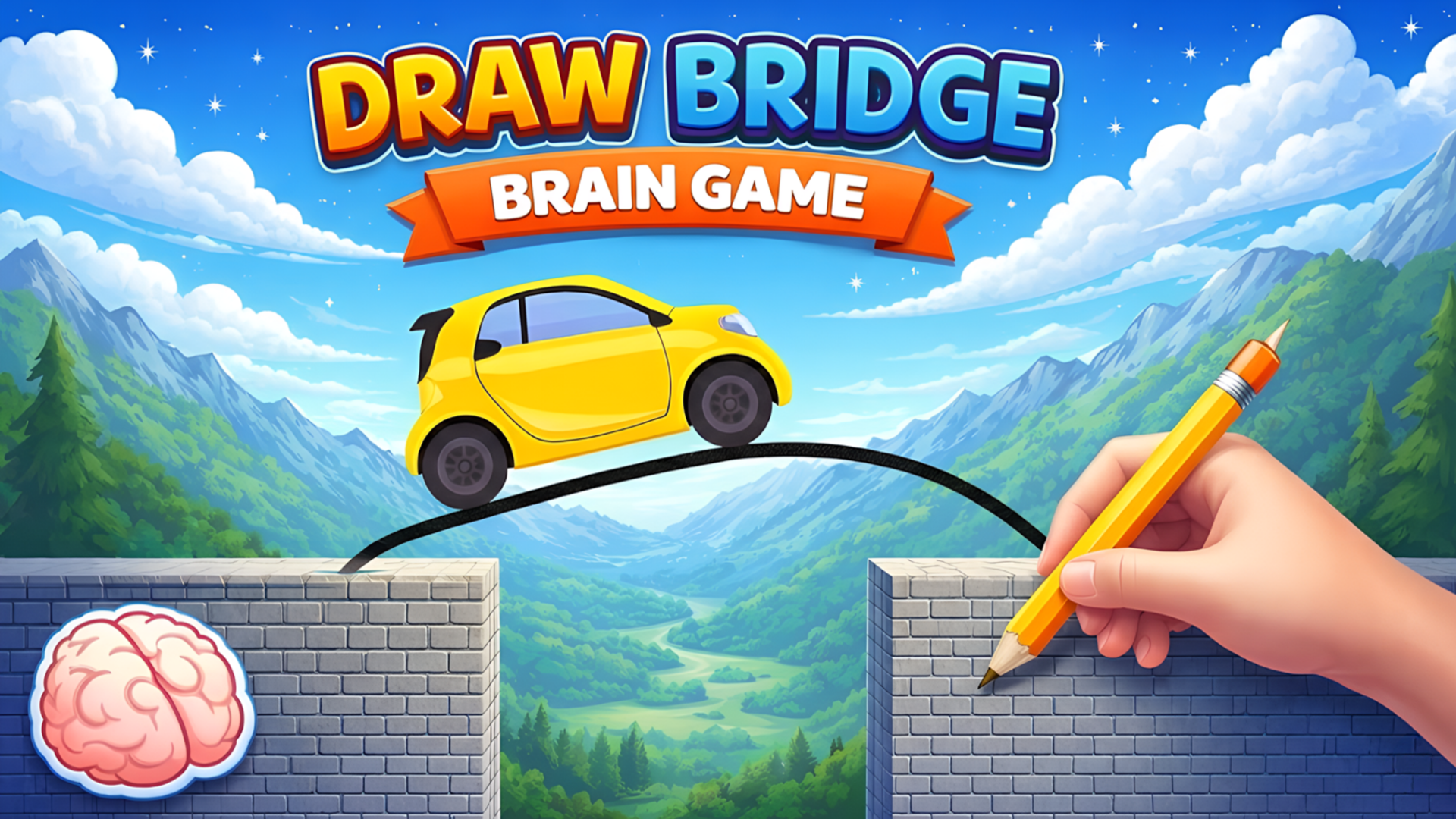
Draw Bridge - Brain Game mixes drawing and physics into a level-based car puzzle. Each stage asks you to sketch a path or bridge that keeps the vehicle moving safely over gaps, slopes, and other obstacles. The challenge is not just drawing quickly, but creating a shape that actually supports the car once it starts driving. Levels can be solved in different ways, so each run feels like a small logic test. It plays directly in the browser on desktop or mobile, making it easy to jump in and try a few stages whenever you want.
Use this short note to understand the game feel before you start.
This game is a good fit for players who enjoy short physics puzzles and hands-on problem solving. It is especially appealing if you like figuring out how a simple drawn line can become a working bridge, then seeing whether the car can actually cross it.
Useful details about the pace, style, and browser play experience.
Draw custom bridges and paths to support the car across each level.
Physics-based movement makes every line shape matter once the car starts rolling.
Simple start-and-draw gameplay that is easy to learn in a browser.
Multiple level layouts that ask for different bridge shapes and solutions.
Visual customization rewards can be earned as you progress through stages.
Goals to focus on while playing this Puzzle game.
Design a safe route for the car to cross each obstacle.
Keep the bridge stable enough for the vehicle to move across it.
Reach the finish point without letting the car fall or get stuck.
Solve each puzzle with a drawn shape that matches the terrain.
Start with these simple steps before trying faster runs in Draw Bridge - Brain Game.
Open a level and study the gap or obstacle in front of the car.
Use the on-screen drawing controls to sketch a bridge or path.
Release to let the car move and test your design.
If the car falls or stops, try a different shape and run the level again.
Use the available inputs for your device and adjust after the game loads.
Use the on-screen touch controls to draw paths or bridges.
Follow the in-game prompts to start and release each attempt.
Use the mouse to draw the bridge or path on screen.
Follow the in-game prompts to begin and run the car.
Helpful tips for cleaner starts, smoother attempts, and better runs.
Keep your design as simple as possible; extra lines can make the bridge less stable.
Watch the terrain before drawing so your path matches the slope and gap size.
Use supports where needed if the bridge spans a wider opening.
If a solution fails, change the angle or length of the drawn line instead of redrawing the same shape.
Shown only when a useful language note is available from the provider or editor.
English
Short answers to common questions about gameplay and access.
It is a physics puzzle game where you draw bridges or paths to help a car cross obstacles and reach the finish.
Yes, it runs in the browser on desktop and mobile devices.
No. Many levels can be solved in different ways, as long as the car can safely cross.
Complete levels to unlock new visual items and progress further.