C
Preparing game…

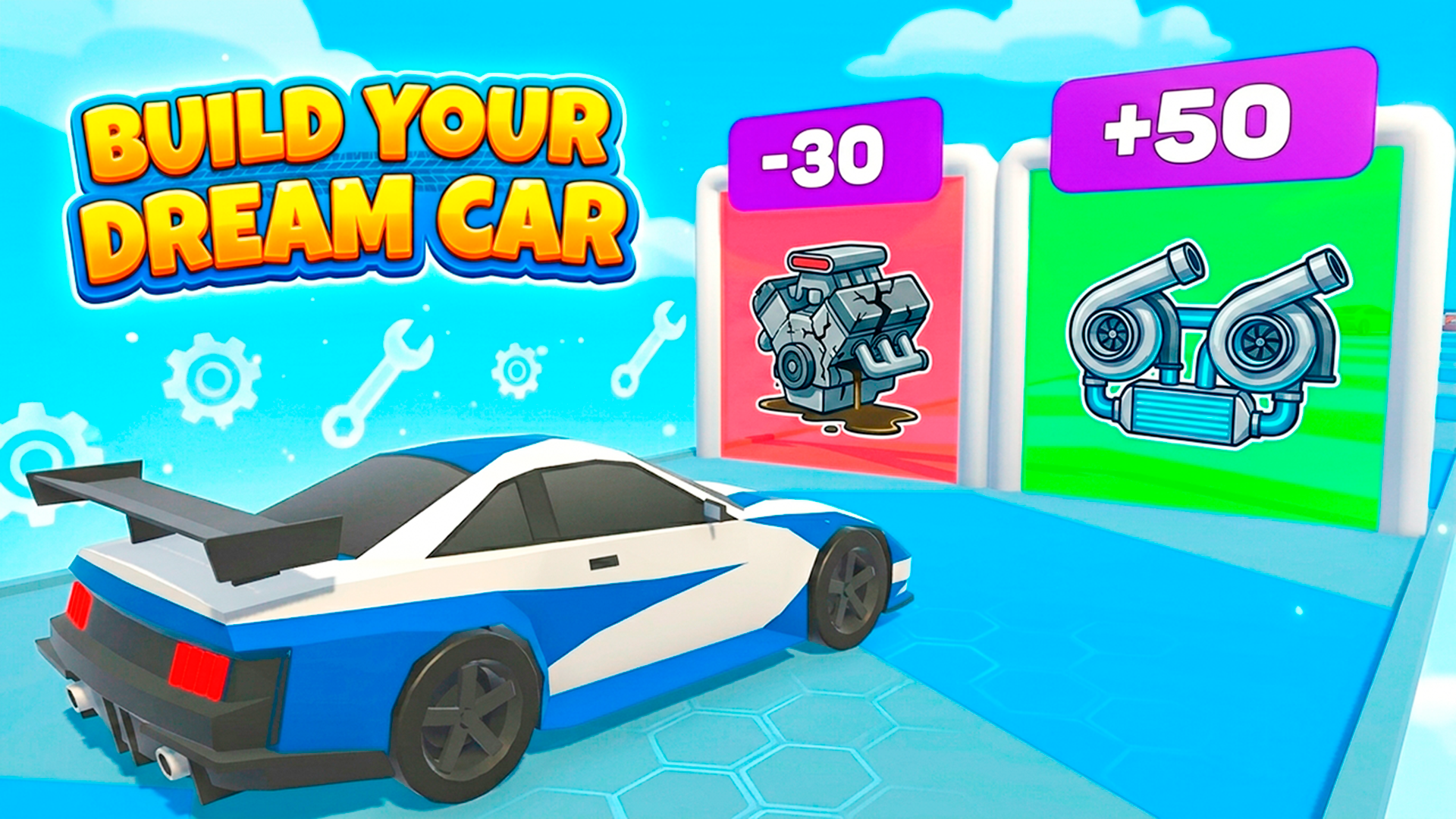
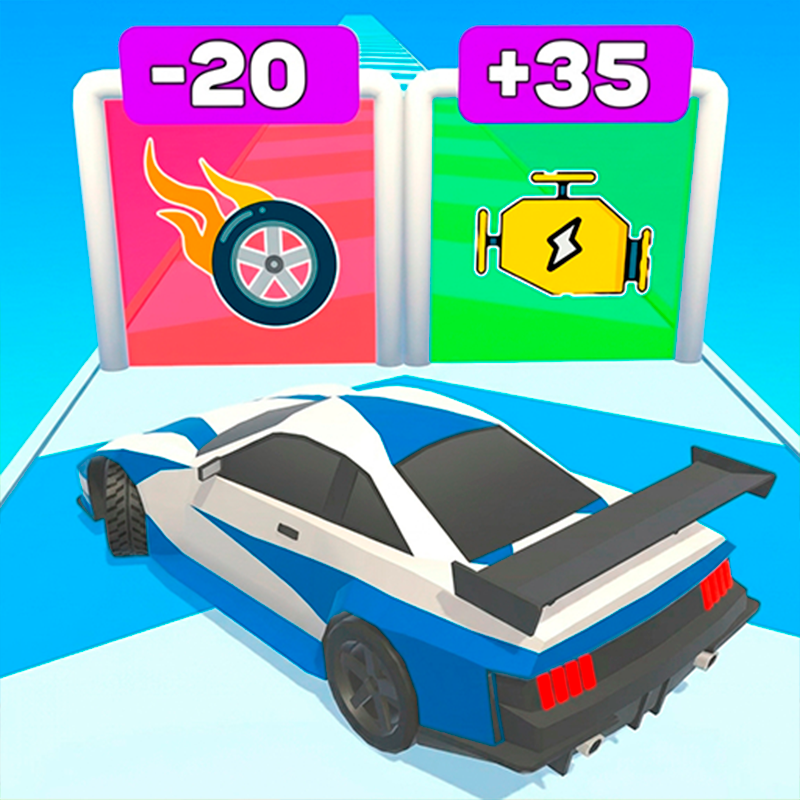
Build Your Dream Car is a browser drag racing game about tuning a car for straight-line speed and then using sharp timing to beat rivals. You upgrade parts like the engine and nitro, then take that build onto the streets and try to launch cleanly, shift at the right moment, and keep ahead to the finish. The challenge is not steering through corners but managing acceleration, timing, and upgrades so each race feels tighter than the last. It plays directly in the browser on mobile or desktop, so you can jump into quick races without any installation.
Use this short note to understand the game feel before you start.
This game suits players who enjoy car progression and timing-based racing more than drifting or open driving. If you like tuning a vehicle, making small upgrades, and testing them in short races, this browser game keeps the focus on that loop.
Useful details about the pace, style, and browser play experience.
Engine and nitro upgrades that change how your car performs in drag races.
Timing-based shifting that rewards precise gear changes during the race.
Street drag races focused on acceleration and straight-line pace.
Simple browser play on mobile and desktop with quick sessions.
Car progression that encourages improving your build between races.
Goals to focus on while playing this Racing game.
Upgrade your car so it accelerates faster and gains an edge in races.
Time each gear shift as accurately as possible to keep speed building.
Use nitro at the right moment to help your car pull ahead.
Beat rival cars in straight-line drag races.
Start with these simple steps before trying faster runs in Build Your Dream Car.
Open the game in your browser and start a race.
Use the in-game prompts to control your car.
Shift at the right moment to maintain strong acceleration.
Activate nitro when it can help you overtake or defend the lead.
Use the available inputs for your device and adjust after the game loads.
Use the on-screen controls.
Follow the on-screen prompts to shift and use upgrades.
Use the keyboard, mouse, or in-game prompts when available.
Follow the race prompts to time shifts and trigger nitro.
Helpful tips for cleaner starts, smoother attempts, and better runs.
Focus on clean shift timing before spending heavily on upgrades.
Upgrade the engine early if you want stronger acceleration.
Save nitro for key race moments instead of using it too early.
Watch how your car responds after each upgrade and adjust your race timing.
Short answers to common questions about gameplay and access.
It is a drag racing game focused on upgrades, timing, and straight-line speed.
Yes, it runs directly in the browser on mobile and desktop.
No, the challenge is mainly about shifting and race timing in drag races.
Keep improving your setup so later races become easier to win.
Spend upgrades on parts that improve race performance.
Repeat races to build a faster, better-tuned car.
You can improve parts like the engine and nitro to make your car faster.