 New
New
Preparing game…
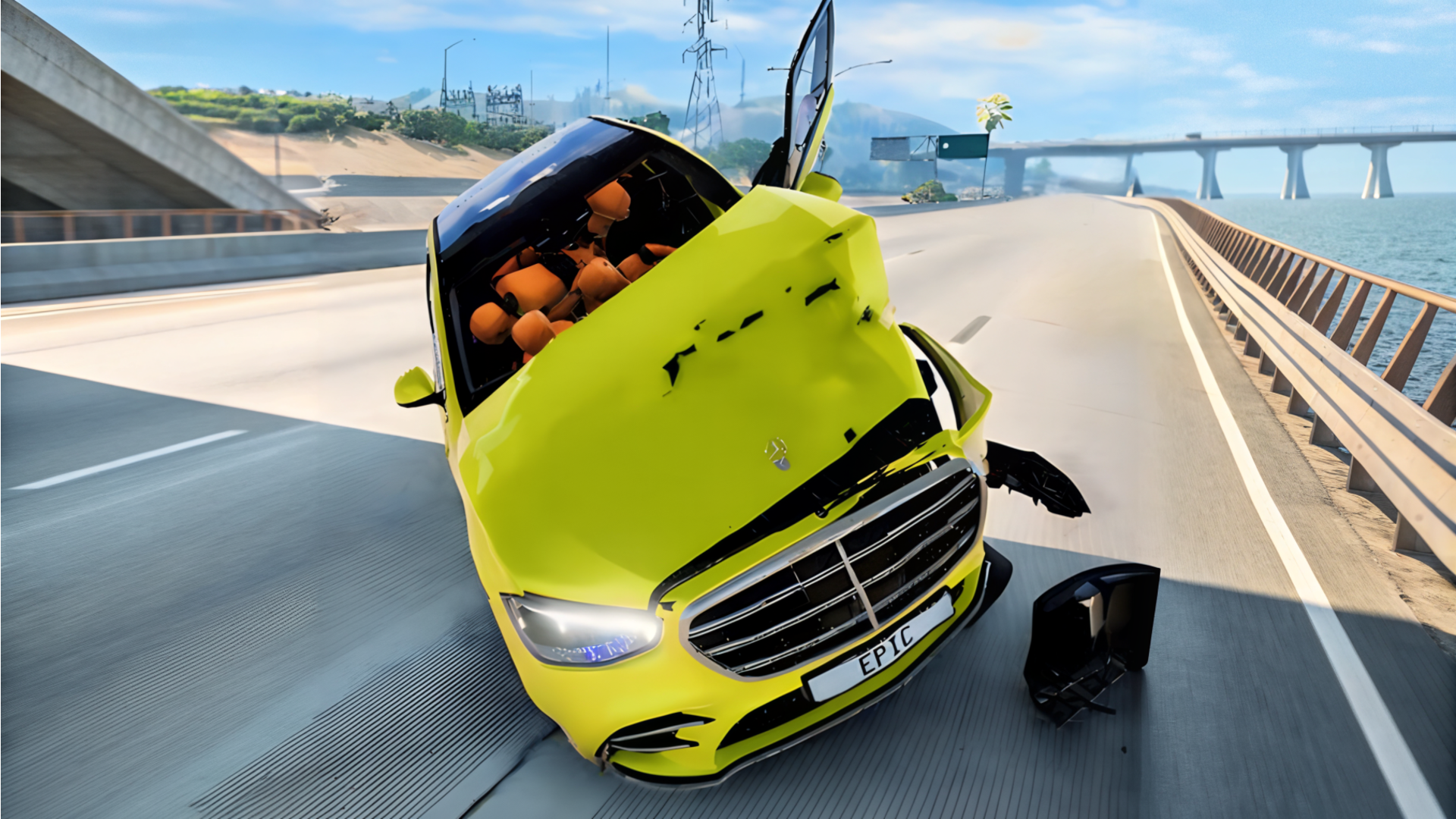
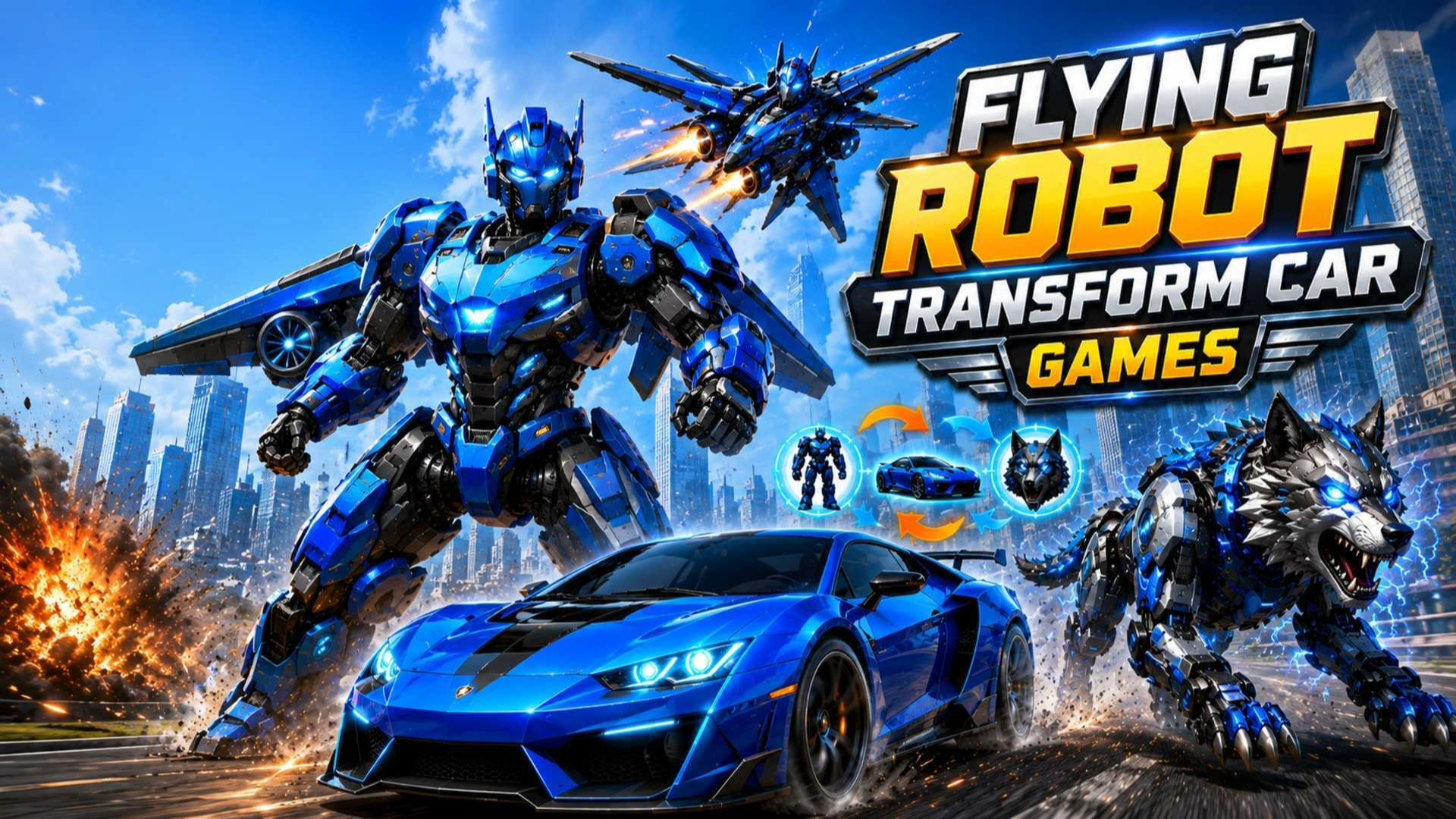
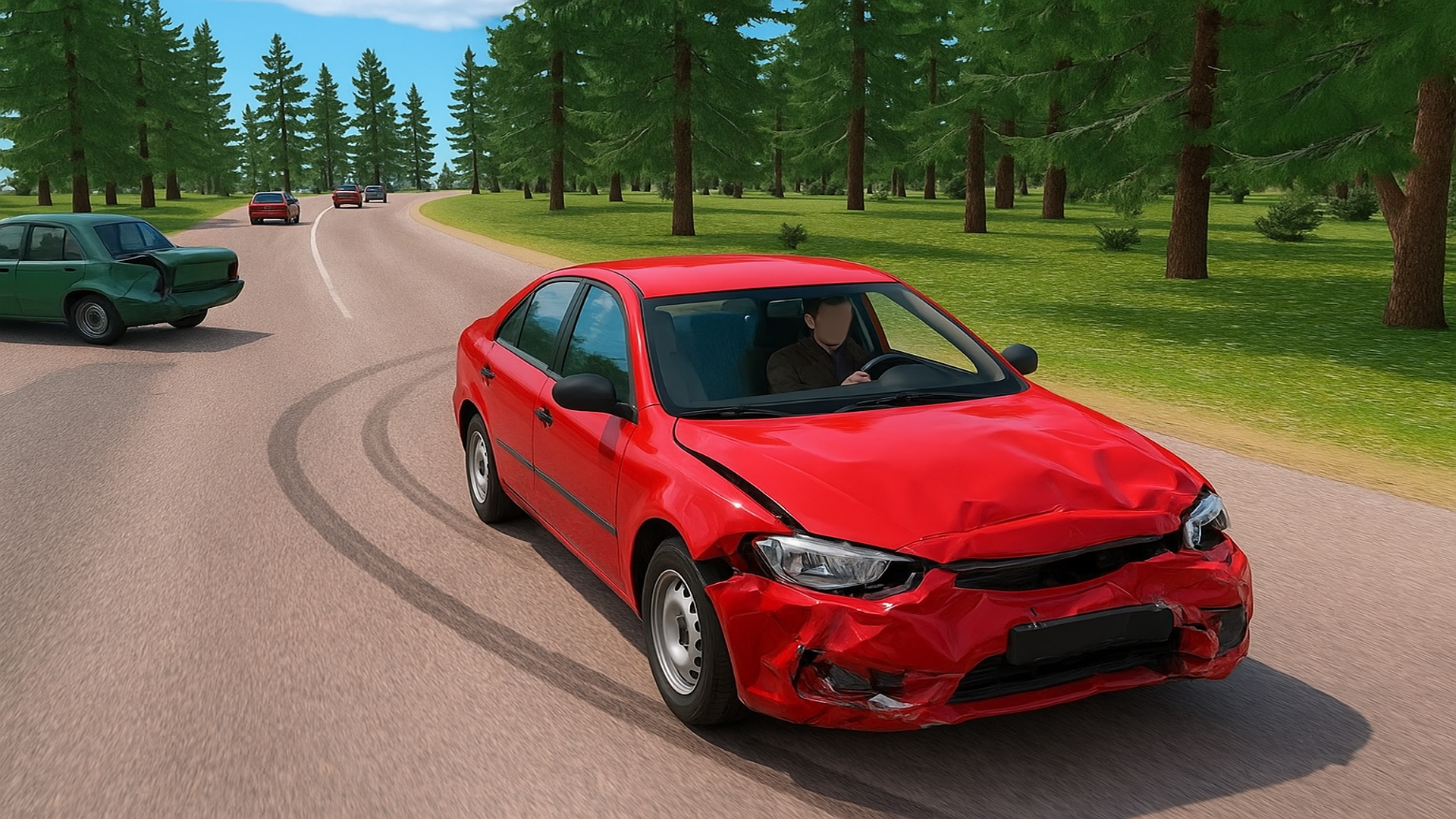
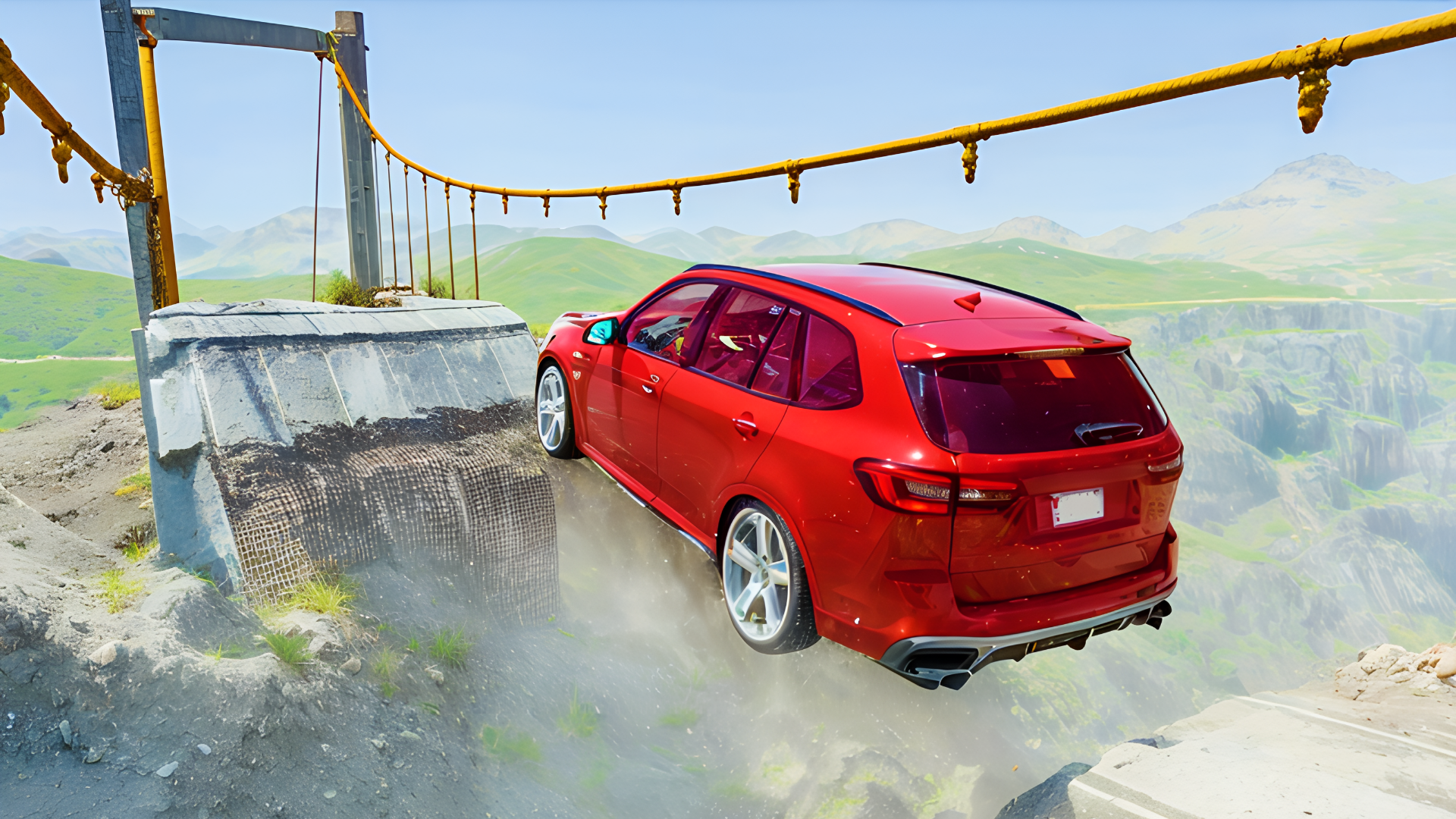
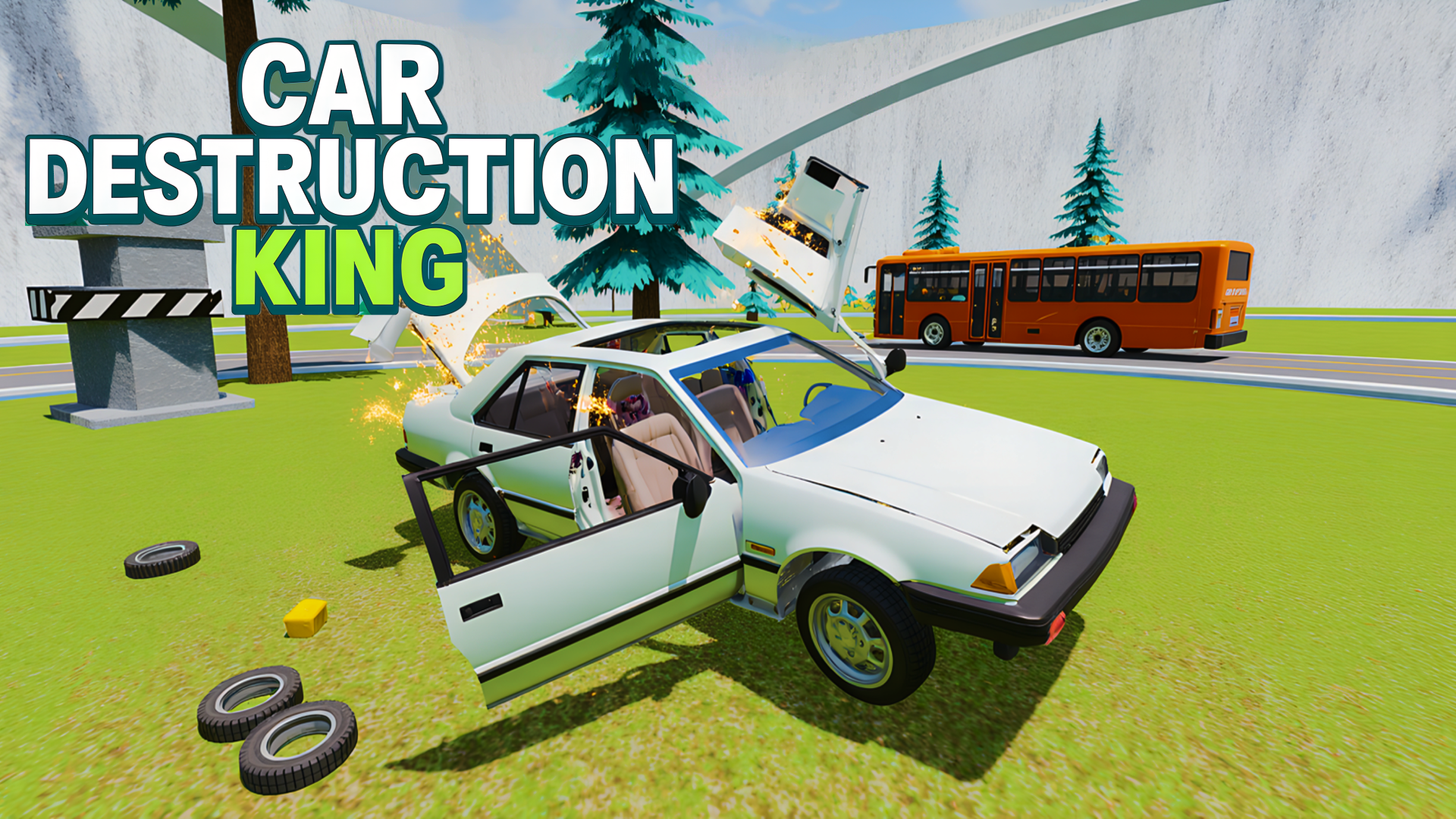
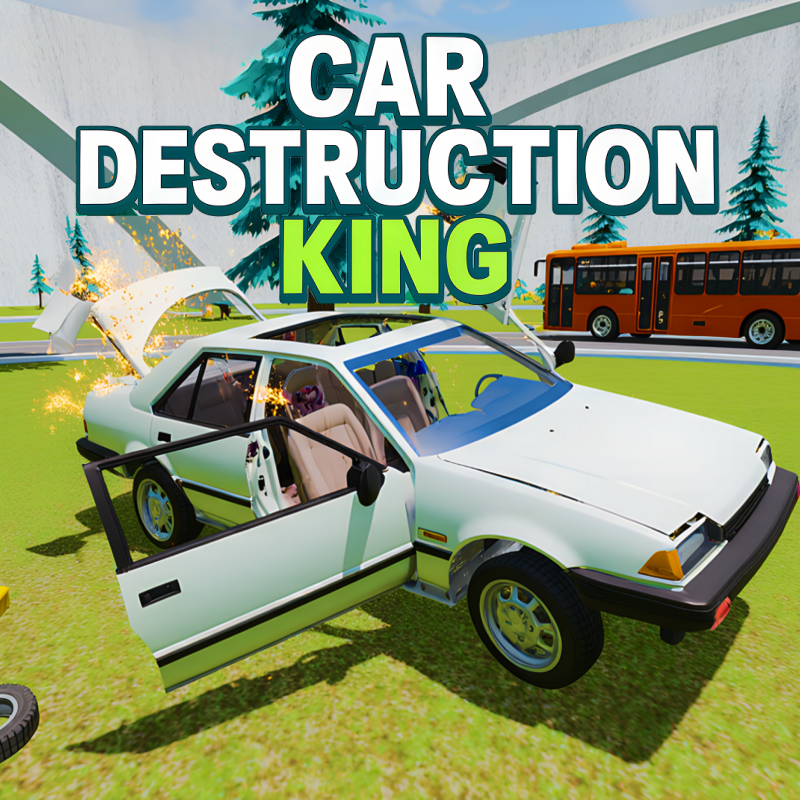
Car Destruction King is a browser driving game built around high-impact crashes and obstacle courses. You choose different cars, race across custom maps, and push them into hazards like hammers, presses, and catapults. The goal is not just to finish fast, but to survive the route, trigger dramatic impacts, and set better records. Time-slowing effects make big crashes easier to watch and control, while camera changes and car switching add variety to each run. It plays directly in the browser, so you can jump in quickly on desktop or mobile without a long setup.
Use this short note to understand the game feel before you start.
This game suits players who like car wrecks, stunt driving, and obstacle-course racing. It mixes simple driving with physical crashes, so each run feels different depending on speed, timing, and how you hit the hazards.
Useful details about the pace, style, and browser play experience.
Multiple cars to switch between during play.
Obstacle courses with hammers, presses, catapults, and other hazards.
Slow-motion gameplay for more dramatic crashes.
Different maps and game modes to keep runs varied.
Camera switching and reset options for better control after collisions.
Goals to focus on while playing this Car game.
Complete the race route without losing control too early.
Drive into or through obstacles to create bigger destruction moments.
Use nitro and braking to manage speed on dangerous sections.
Try different cars and maps to improve your records.
Start with these simple steps before trying faster runs in Car Destruction King.
Start a run and pick a car or map if available.
Drive toward the course objectives and avoid losing control too early.
Use speed boosts carefully before ramps, traps, or crash zones.
Switch camera views if you need a better angle.
Use the available inputs for your device and adjust after the game loads.
Use the on-screen controls.
Follow the in-game prompts for driving and special actions.
Use the keyboard and in-game prompts when available.
Open the pause menu if you need to adjust settings or restart.
Helpful tips for cleaner starts, smoother attempts, and better runs.
Slow down before tight obstacle sections to avoid spinning out.
Use nitro on straighter parts of the track, not near sharp hazards.
Try slow motion when you want more control during a big crash.
Reset the car quickly instead of waiting if you land badly.
Experiment with different cars to see which handles rough impacts better.
Short answers to common questions about gameplay and access.
It is a driving game focused on racing through obstacle courses and causing big car crashes.
Yes, it runs in the browser, so you can launch it without installing extra software.
Yes, you can choose different cars and play on different maps and modes.
Recover quickly after flips, crashes, or getting stuck.
Use reset or restore options if your car gets stuck or flips over.
On mobile, follow the on-screen controls and prompts.
Both matter. Fast driving helps with records, but careful control helps you survive the obstacle sections.