
 NEW
NEW
Preparing game…
Finding similar games
More related browser games will appear here shortly.
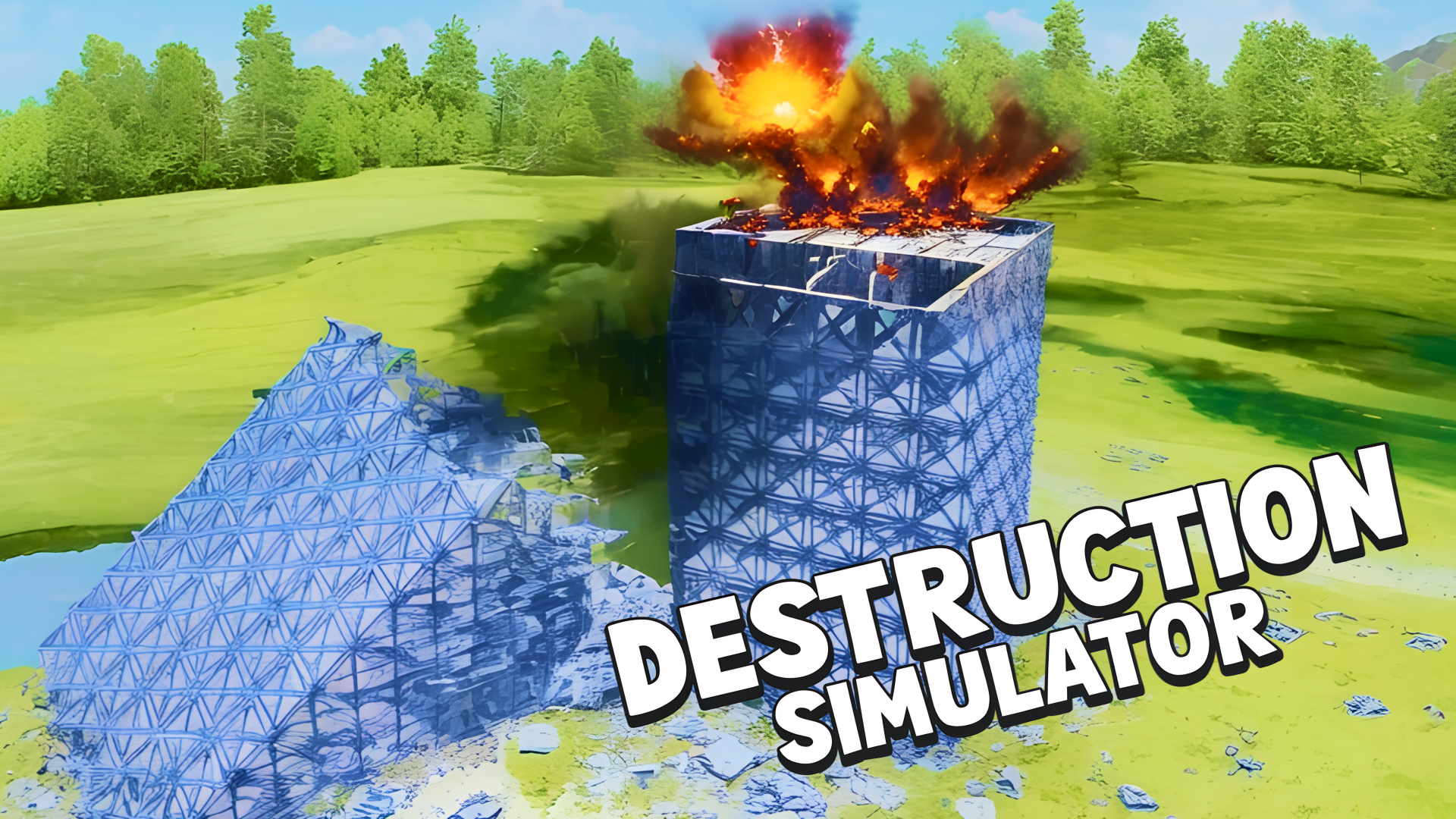
Destruction Simulator is a physics sandbox where the main goal is to break structures and watch how they collapse under different conditions. You can change time speed, adjust gravity, trigger explosions, and test a range of destructive tools to see how each one affects the scene. The game also lets you build or load maps, so you can create your own setups and then knock them down in different ways. It runs in the browser, including on mobile and desktop, so you can jump straight into destruction without any install.
Use this short note to understand the game feel before you start.
This game suits players who like physics sandboxes, creative destruction, and testing cause-and-effect in a clean browser format. It is especially good if you enjoy experimenting with different tools and watching structures fall in different ways.
Useful details about the pace, style, and browser play experience.
Time controls let you slow the action down, speed it up, or freeze the simulation.
Gravity settings change how debris falls and how destruction spreads through the scene.
Multiple destructive tools include bombs, missiles, cannon balls, and large-scale effects like tornadoes and earthquakes.
A map editor lets you build your own structures before testing them.
Visualization options help you tune how explosions, smoke, and debris are shown on screen.
Goals to focus on while playing this Simulation game.
Break buildings and other structures using the tools available in the simulator.
Set up different physics conditions to see how gravity and time changes affect destruction.
Choose the right explosive or force type for the shape and size of the target.
Create custom maps and design new scenes to destroy.
Start with these simple steps before trying faster runs in Destruction Simulator.
Open the game in your browser and start with the built-in scene or a custom map.
Use the on-screen controls and game interface to choose tools and settings.
Adjust time, gravity, and visual options before triggering destruction.
Place or activate explosives and other effects on the target structure.
Use the available inputs for your device and adjust after the game loads.
Use the on-screen controls and in-game UI on mobile.
Follow the touch prompts to move the camera and trigger tools.
Use the in-game interface for most actions.
Use mouse drag and keyboard movement if prompted by the game.
Helpful tips for cleaner starts, smoother attempts, and better runs.
Start with slow motion so you can see how the structure begins to fail.
Reduce visual effects if debris or flashes make it hard to follow the collapse.
Try different gravity settings to change how far pieces scatter.
Use larger destructive tools on bigger structures and smaller ones for precise damage.
Build simple test maps first before making more complex layouts.
Shown only when a useful language note is available from the provider or editor.
English
Short answers to common questions about gameplay and access.
It is a physics sandbox focused on breaking structures and experimenting with different destruction settings.
Yes. You can adjust time speed, gravity, and some visual options to change how destruction plays out.
Yes. The game includes a map editor so you can build your own scenes to destroy.
Manage the amount of debris on screen so the simulation stays readable.
Watch the result, then reset or rebuild to try a different setup.
Follow the on-screen labels for camera movement and tool selection.
Yes. It runs in a browser, so you can play without installing extra software.