 New
New
Preparing game…
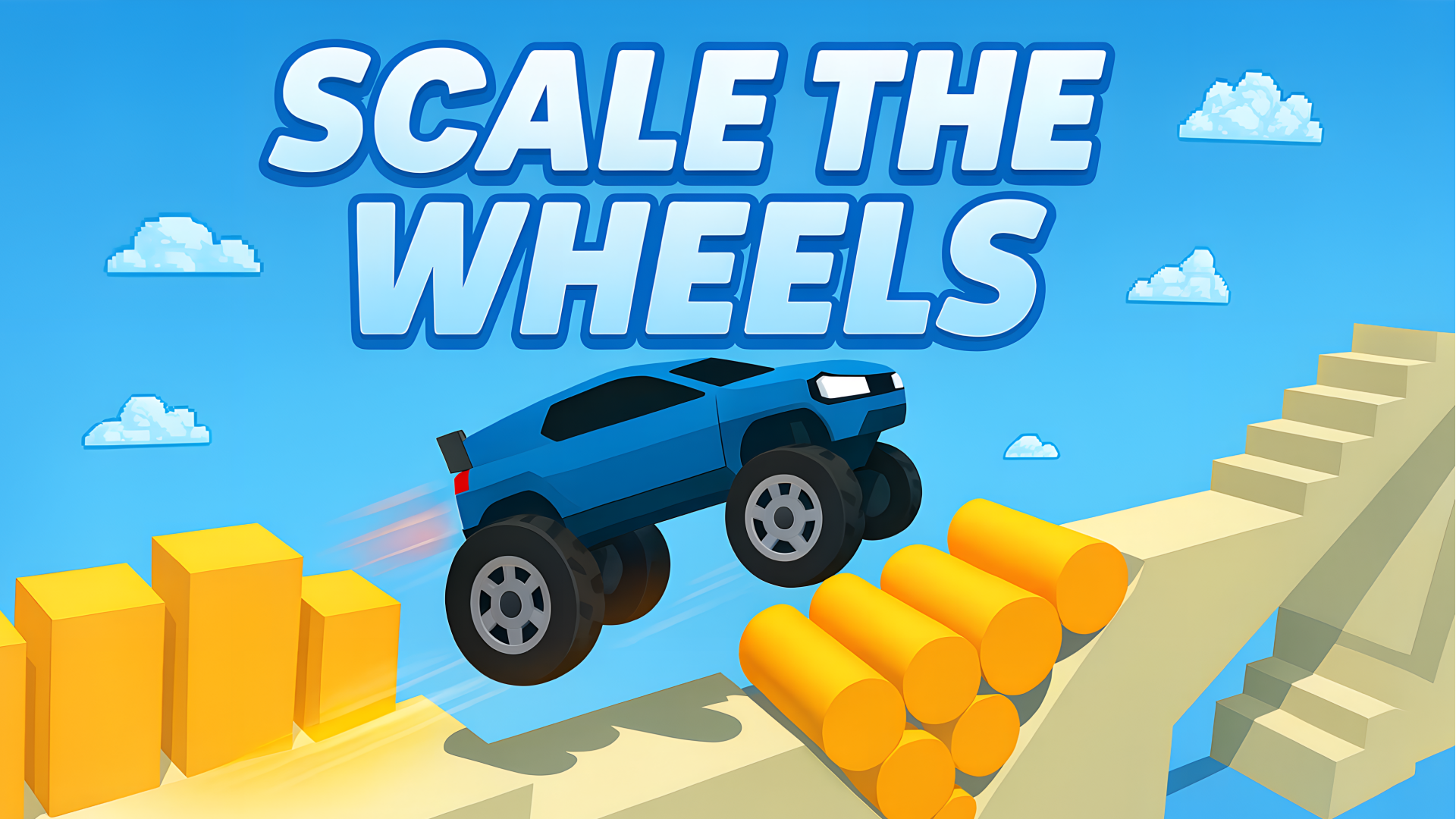
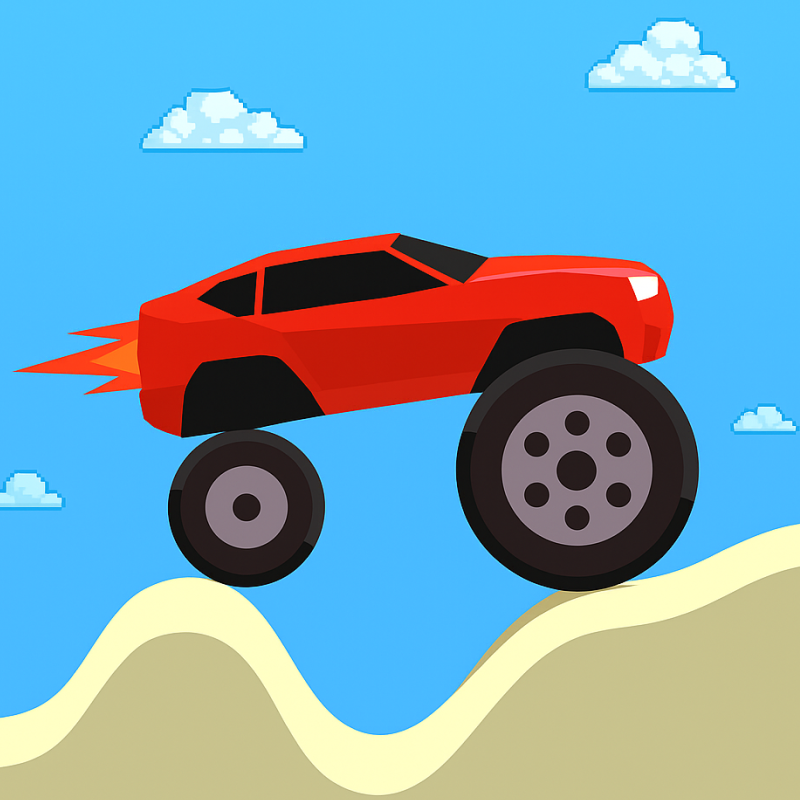
Scale the wheels is a physics racing game built around one simple idea: the size of your wheels changes how your car moves. Smaller wheels help you speed up, while larger wheels make it easier to climb over tall obstacles. The challenge is to switch at the right moment so your car keeps moving instead of getting stuck. Some tracks reward careful speed buildup, while others need sudden size changes to bounce free or clear a barrier. You can play it directly in a browser on desktop or mobile, with the game interface handling the controls.
Use this short note to understand the game feel before you start.
This game suits players who like quick reaction challenges with a simple rule set that still creates tricky decisions. Each level asks you to read the terrain, adjust wheel size, and manage speed carefully, so progress depends on timing rather than luck.
Useful details about the pace, style, and browser play experience.
Wheel resizing changes both speed and obstacle handling.
Over 30 tracks with different layouts and road hazards.
Physics-based movement can leave the car stuck if the timing is off.
Acceleration upgrades help you jump farther at the end of a level.
Browser play works on desktop and mobile devices.
Goals to focus on while playing this Arcade game.
Reach the finish line on each track.
Switch wheel size to pass over or through obstacles.
Build enough speed for sections that need momentum.
Use large wheels when height matters and small wheels when acceleration matters.
Start with these simple steps before trying faster runs in Scale the wheels.
Use the on-screen controls to change the wheel size.
Keep the wheels small when you need more acceleration.
Switch to larger wheels to roll over higher obstacles.
If the car gets stuck, try a bigger size change to help it bounce free.
Use the available inputs for your device and adjust after the game loads.
Use the on-screen game controls to resize the wheels.
Follow the in-game prompts for restarting and upgrades.
Use the on-screen game controls in the browser iframe.
Follow the in-game prompts to change wheel size and restart levels.
Helpful tips for cleaner starts, smoother attempts, and better runs.
Do not keep large wheels on flat sections unless you need obstacle clearance.
If a gap or ramp is ahead, build speed before changing size.
A sudden size change can help unstuck the car when it stops moving.
Some levels are easier when you plan the next wheel size before the obstacle appears.
Short answers to common questions about gameplay and access.
The main goal is to reach the finish line by changing wheel size to match the track obstacles and speed requirements.
Yes. Smaller wheels help the car accelerate, while larger wheels slow it down but improve obstacle clearance.
Yes. It runs in the browser, so you can play without installing anything.
Upgrade acceleration to extend end-of-level jumps and collect more coins.
Use the restart option if a level cannot be recovered.
Upgrade acceleration to improve final jumps and coin collection.
It is mainly a racing game with physics and timing challenges built around wheel resizing.