 New
New
Preparing game…
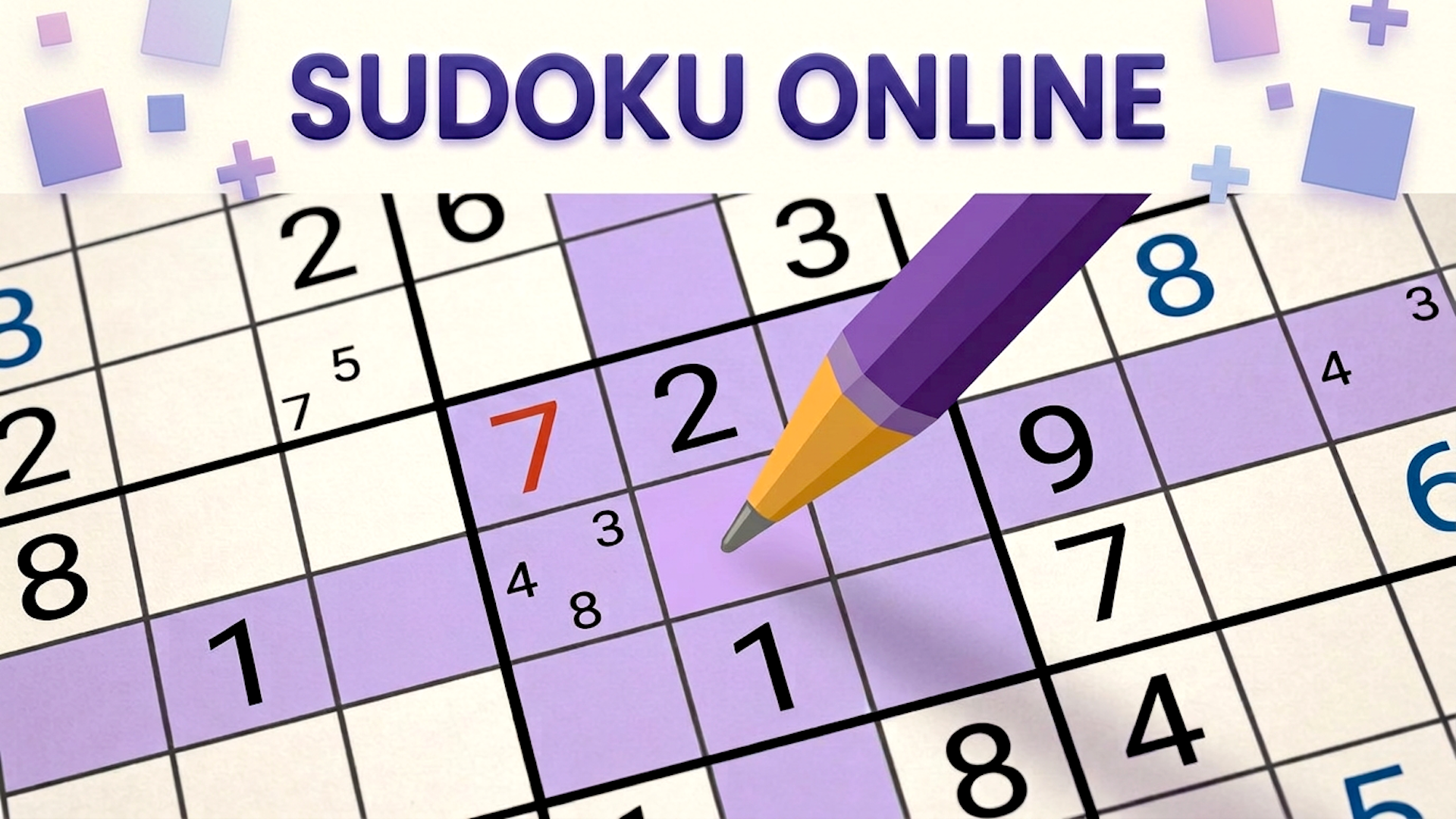
Sudoku Online is a browser puzzle game built around pure logic and careful deduction. Your task is to complete each 9x9 grid so every row, column, and 3x3 box contains the digits 1 to 9 exactly once. The game includes multiple difficulty levels, so you can start with easier grids or move up to harder ones that require more planning. Extra modes add fresh rule twists, such as diagonal constraints, special regions, sum-based cages, and number markers between cells. It plays directly in the browser on desktop and mobile, making it easy to jump into a quick puzzle session anytime.
Use this short note to understand the game feel before you start.
This game suits players who enjoy calm, methodical puzzles and want a logic challenge that scales from simple to demanding. The browser format makes it easy to start a grid quickly, while the extra Sudoku variants give experienced players more than one way to test their reasoning.
Useful details about the pace, style, and browser play experience.
Classic 9x9 Sudoku with standard row, column, and box rules.
Multiple difficulty levels for beginners and advanced players.
Extra variants that change the logic with diagonal, region, sum, and marker rules.
Notes mode for tracking candidate numbers in harder puzzles.
Browser-based play with no separate download needed.
Goals to focus on while playing this Puzzle game.
Fill the grid with digits 1 through 9.
Make sure each number appears once in every row, column, and 3x3 box.
Use the starting clues to narrow down the only valid placements.
Solve harder puzzles by eliminating candidates with notes and logic.
Start with these simple steps before trying faster runs in Sudoku Online.
Open a puzzle and study the pre-filled clues.
Look for rows, columns, or boxes with the fewest missing numbers first.
Place a digit only when it fits all Sudoku rules.
Use notes to mark possible candidates in cells when the answer is not obvious.
Use the available inputs for your device and adjust after the game loads.
Use the on-screen grid and number controls to place digits.
Tap a cell to select it, then choose a number or note option.
Follow the in-game prompts for special mode rules.
Use the on-screen grid and number controls with mouse or trackpad.
Helpful tips for cleaner starts, smoother attempts, and better runs.
Start with areas that already have many numbers filled in.
Use notes mode on harder puzzles to avoid losing track of candidates.
Check diagonals, cages, or markers carefully in the variant modes.
If a placement creates a conflict, trace back and recheck nearby cells.
Work in small logical steps instead of guessing.
Short answers to common questions about gameplay and access.
Yes. It runs directly in the browser, so you can start a puzzle without a separate download.
Yes. It offers multiple difficulty settings, from easier puzzles to more demanding grids.
Yes. Some modes add diagonal, region, sum, or marker-based logic.
Complete special variants by following the extra rules for each mode.
In special modes, follow the added rules shown on the grid before making a move.
Click a cell to select it, then enter a digit or add notes through the interface.
Follow the in-game prompts for special mode rules.
Yes. Notes mode helps track possible digits in tougher puzzles.