H
Preparing game…

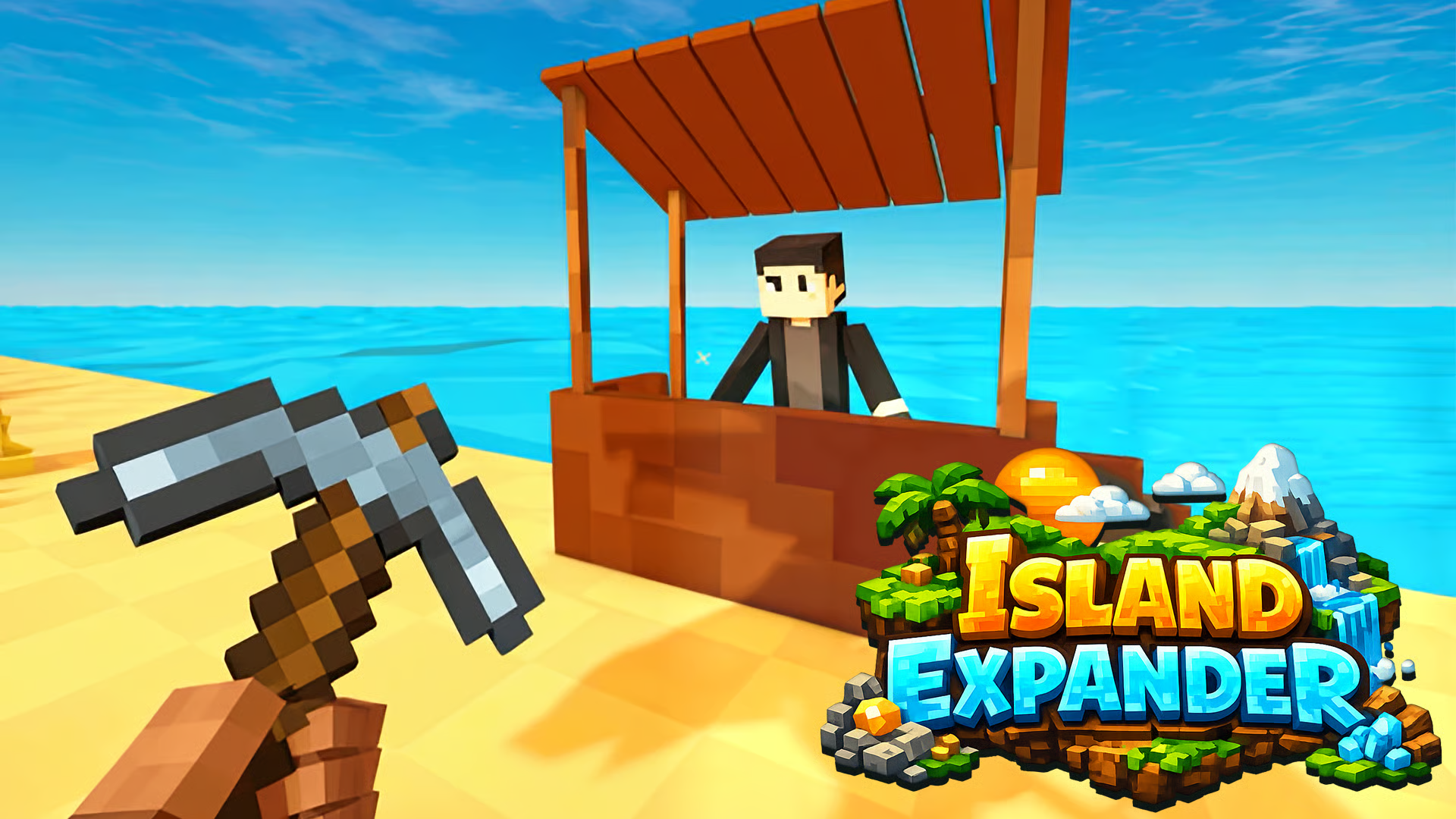
Island Expander is a cozy crafting and building game where you start with a small island and gradually turn it into a bigger place to explore. Your main loop is simple: gather materials, unlock new recipes, craft useful items, and expand the land tile by tile. As progress builds, you can upgrade tools, open new areas, and discover more resources. The game is designed around calm, steady progression, with clear goals and a relaxed pace that works well in the browser on desktop or mobile.
Use this short note to understand the game feel before you start.
Island Expander suits players who like relaxed building games with clear progression. It offers a simple loop of gathering, crafting, and expanding, so every session moves your island forward without demanding fast action or complicated systems.
Useful details about the pace, style, and browser play experience.
Tile-by-tile island expansion that opens new space as you progress.
Resource gathering and crafting centered on unlocking new recipes.
Tool and upgrade progression that helps you collect and build more efficiently.
Calm, low-pressure pace with a focus on steady growth.
Browser play on desktop and mobile with touch-friendly controls.
Goals to focus on while playing this Simulation game.
Collect basic resources from the island and surrounding areas.
Unlock new crafting recipes and technologies.
Craft tools and items that support faster progression.
Expand the island by completing the steps needed to open new tiles.
Start with these simple steps before trying faster runs in Island Expander.
Use the on-screen controls or follow the in-game prompts to move around and interact.
Gather resources from available objects and areas on the island.
Open the inventory when needed to manage materials and crafted items.
Craft tools, unlock recipes, and use upgrades to improve progression.
Use the available inputs for your device and adjust after the game loads.
Use the left joystick to move.
Swipe to look around.
Use the on-screen buttons to jump, use tools, and interact with objects.
Use on-screen prompts or the in-game control hints to move and interact.
Helpful tips for cleaner starts, smoother attempts, and better runs.
Focus on gathering enough basic materials before pushing for new upgrades.
Check your inventory often so you can craft the items you already unlocked.
Use upgrades to make resource collection smoother as the island grows.
Look for new areas after each expansion, since they often lead to more materials.
If you play on mobile, use the touch controls carefully to avoid missing interaction spots.
Shown only when a useful language note is available from the provider or editor.
English
Short answers to common questions about gameplay and access.
It is a cozy crafting and island expansion game focused on gathering resources, unlocking recipes, and growing your land over time.
Yes, it runs as a browser game and can be played without installing a separate app.
No, it is built around relaxed progression and steady building rather than quick reactions.
Upgrade your character or abilities to handle larger tasks and new areas.
Expand the island step by step to reveal new areas and resources.
Open the inventory and pause menus through the available interface buttons.
Use the game’s tool and interaction options to gather resources and expand the island.