
New
Preparing game…

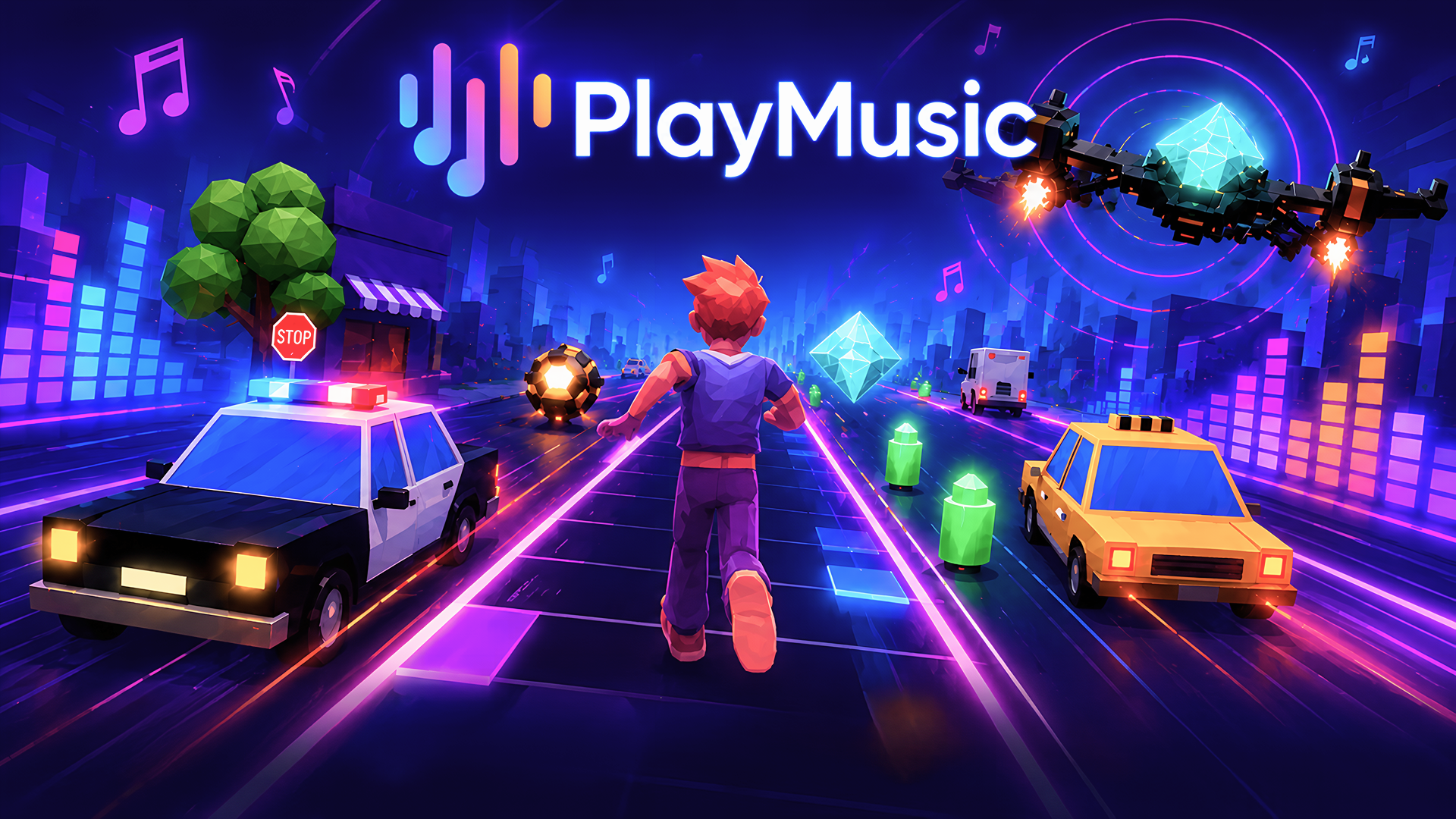
PlayMusic is a browser-based music runner that mixes rhythm action with fast obstacle dodging. Each stage is built around a featured song, so the pace, hazards, and visual energy change with the track. Players guide a hero through reactive levels, collecting gems, avoiding traps, and staying alive as the intensity builds. The game focuses on music-driven skill rather than storyline or upgrades, and new song-based runs can be added over time. It plays directly in the browser on desktop and mobile, making it easy to jump in and follow the on-screen prompts while the beat pushes the action forward.
Use this short note to understand the game feel before you start.
PlayMusic is a good fit for players who enjoy rhythm games, quick reflex challenges, and stages that react to the soundtrack. It is easy to start in a browser, but staying alive depends on timing, attention, and learning each song’s pace.
Useful details about the pace, style, and browser play experience.
Music-driven runner stages built around individual songs.
Obstacle dodging, gem collecting, and survival gameplay.
Difficulty that adapts to the track and your performance.
A large selection of music-focused game modes and runners.
Browser play on desktop and mobile without downloads.
Goals to focus on while playing this Casual game.
Reach the end of each music run without crashing.
Dodge obstacles that match the rhythm and stage layout.
Collect gems and points during the run.
Keep your timing steady as the pace increases.
Start with these simple steps before trying faster runs in PLAYMUSIC.
Start a song-run from the browser game screen.
Use the on-screen controls or follow the in-game prompts to move and act.
Avoid obstacles while collecting gems and staying in rhythm.
Keep playing through the track as the speed and challenge increase.
Use the available inputs for your device and adjust after the game loads.
Use the on-screen touch controls.
Swipe or tap as prompted by the game.
Play in portrait or landscape depending on your device and screen layout.
Use the on-screen controls or follow the keyboard prompts shown in game.
Helpful tips for cleaner starts, smoother attempts, and better runs.
Listen closely, because sound is part of the gameplay.
Focus on survival first, then aim for cleaner gem routes.
Anticipate changes when the music becomes more intense.
If a section feels faster, make smaller, safer moves.
Replay songs to learn their obstacle patterns and timing.
Shown only when a useful language note is available from the provider or editor.
English
Short answers to common questions about gameplay and access.
PLAYMUSIC is a music-driven runner game where you dodge obstacles, collect gems, and stay in sync with the track.
Yes. The game runs in the browser, so you can start playing without installing anything.
Yes. Music is a core part of the experience, and playing with sound helps you react to the stage more accurately.
Earn higher scores for leaderboard progress in completed songs.
Try different song stages to improve your score and progress.
Move and react according to the stage instructions.
Keep your focus on the rhythm and obstacle pattern.
Based on the available details, there are no currencies or leveling systems; progress is mainly about skill and score.