 New
New
Preparing game…
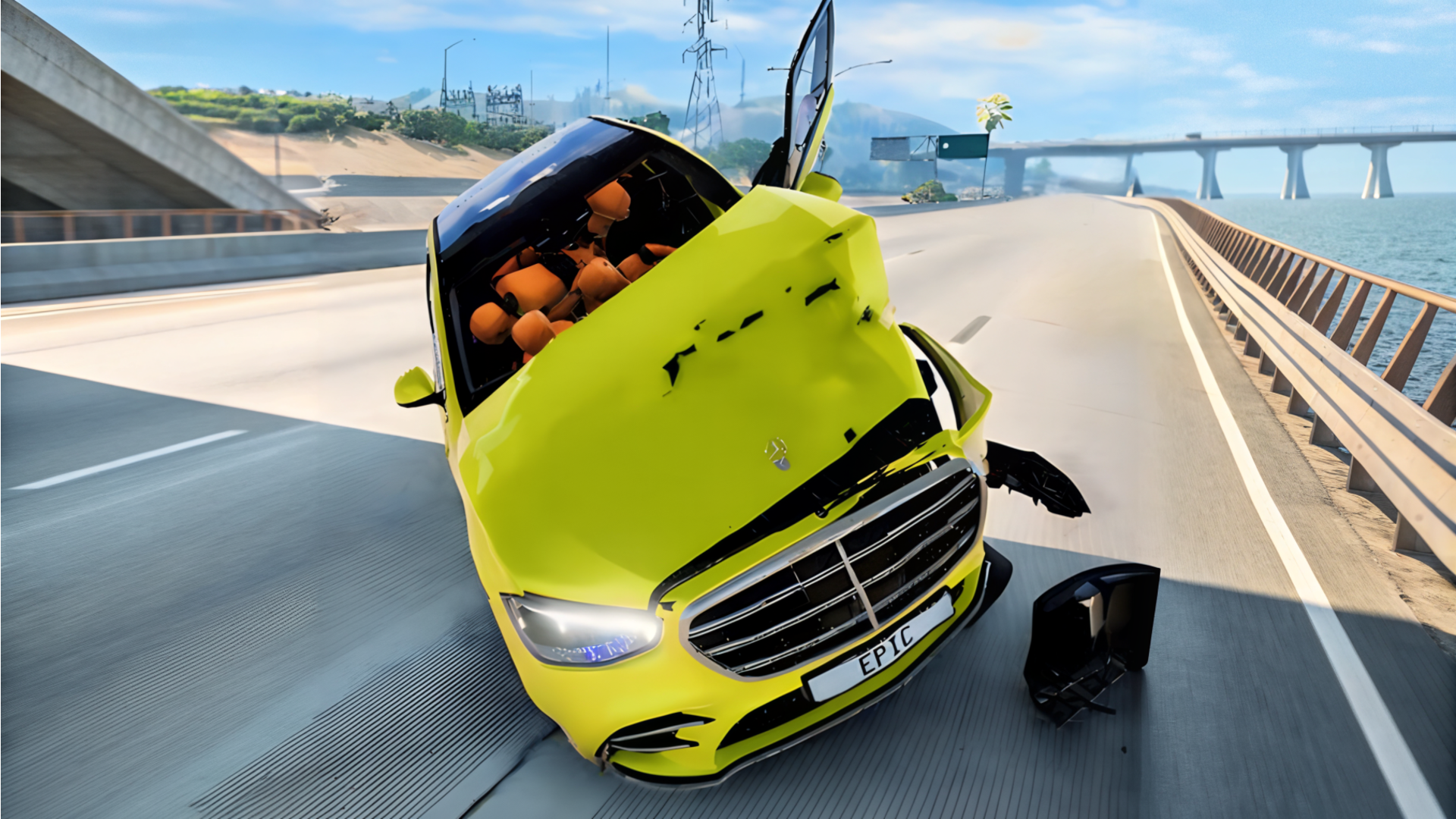
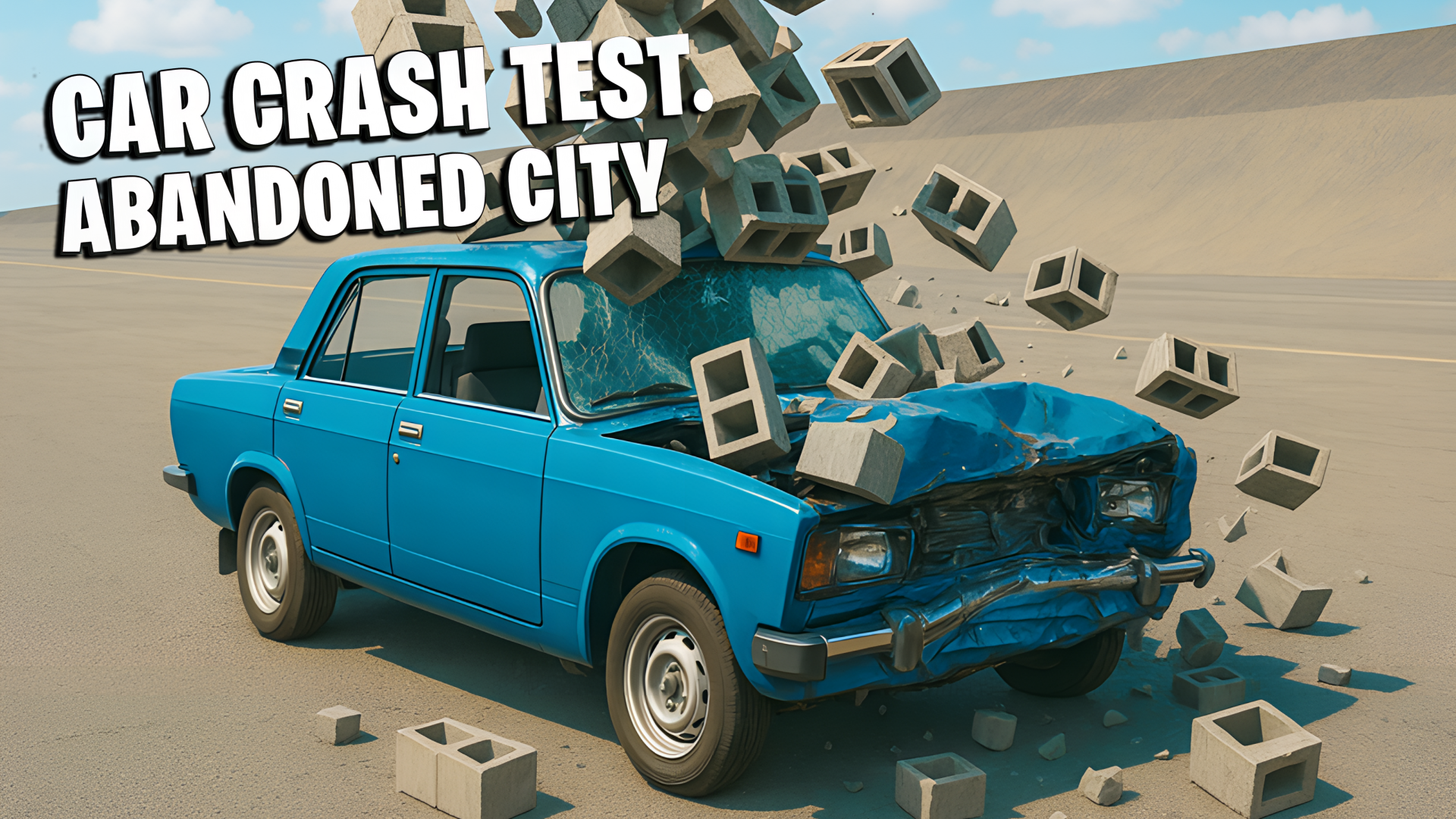
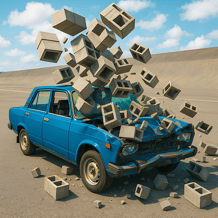
Car Crash Test: Abandoned City drops you into a ruined city built for driving experiments, stunt runs, and heavy impacts. You can roam an open map, hit ramps, slam into obstacles, and watch cars lose parts after big crashes. The game also lets you change vehicle setup, so you can try different looks and wheel positions before heading back out. It plays directly in the browser, with quick access on desktop or mobile and a sandbox style that lets you choose your own pace. If you want a driving game focused on destruction, testing, and free exploration, this one keeps the action centered on the crash itself.
Use this short note to understand the game feel before you start.
This game suits players who like driving sandboxes, crash tests, and experimenting with vehicle damage instead of traditional racing. It is a good pick if you enjoy trying different setups, repeating runs, and seeing how hard impacts change a car’s shape and performance.
Useful details about the pace, style, and browser play experience.
Open city map with room to drive, explore, and set up crashes.
Visible vehicle damage where parts can break off after hard impacts.
Custom car setup with color and wheel adjustments.
Ramps, presses, and other crash-test objects scattered around the map.
Camera and vehicle switching options for different driving views and setups.
Goals to focus on while playing this Action game.
Drive through the abandoned city and find places to test collisions.
Use ramps and obstacles to create bigger crashes and harder impacts.
Tune the car before each run to see how changes affect handling and damage.
Switch vehicles and compare how different cars survive the same test.
Start with these simple steps before trying faster runs in Car Crash Test: Abandoned City.
Start driving in the abandoned city and look for ramps or obstacles.
Use the on-screen controls on mobile or the browser controls on desktop.
Change the car setup before a run if you want to test a new look or wheel position.
Build speed, jump, or collide with objects to trigger damage.
Use the available inputs for your device and adjust after the game loads.
Use the on-screen controls.
Follow the in-game prompts for driving, braking, and camera changes.
Use the keyboard and follow the in-game prompts.
Open the pause menu when you need to change settings or stop the run.
Helpful tips for cleaner starts, smoother attempts, and better runs.
Use ramps to build speed before impact so the damage is easier to see.
Try the same crash with different cars to compare how they react.
Adjust the wheel setup if you want to test handling after customization.
Use camera changes to keep a better view of flips and broken parts.
Reset quickly after a heavy crash so you can keep testing without losing time.
Shown only when a useful language note is available from the provider or editor.
English
Short answers to common questions about gameplay and access.
It is a driving sandbox centered on car crashes, vehicle testing, and free exploration in an abandoned city.
Yes, it runs in the browser with support for desktop and mobile play.
It mixes driving, stunt-style jumps, and crash testing rather than structured racing.
Reset the car and try new routes, jumps, or crash angles.
Reset the car when needed and try another route or crash test.
Open the pause menu if you want to stop and adjust settings.