Hot

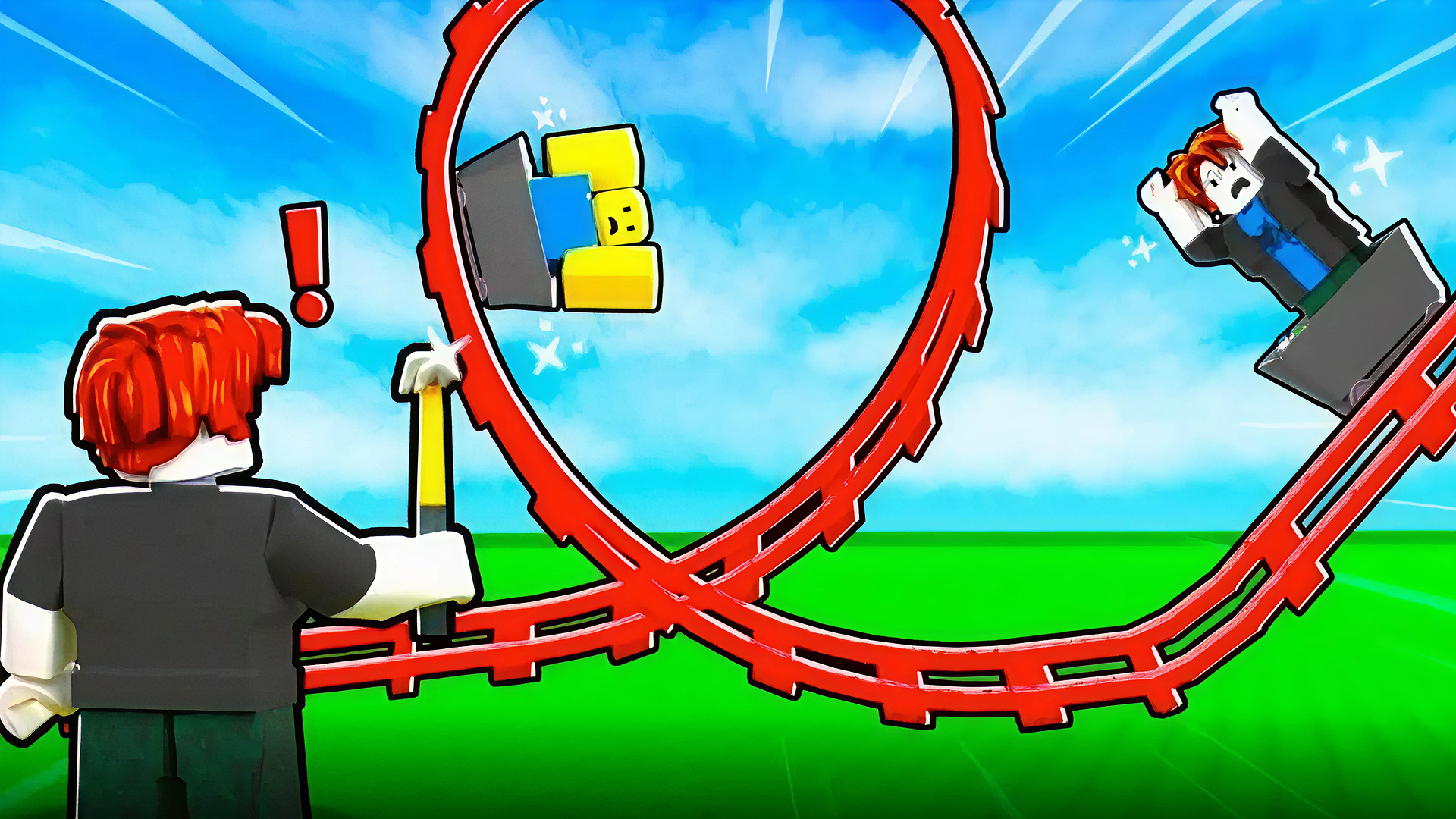
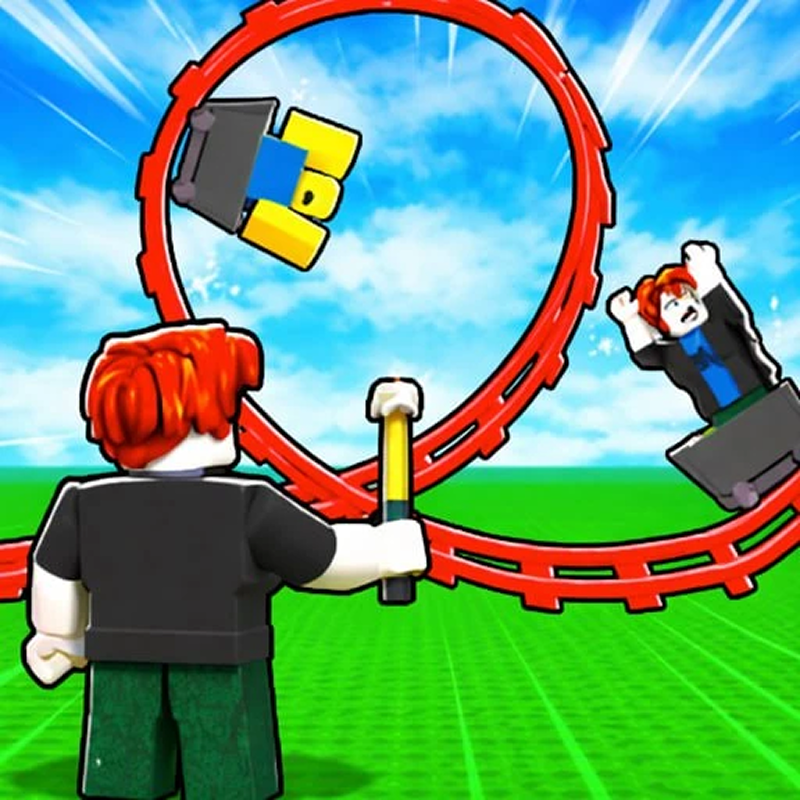
Build a Rollercoaster: Simulator lets you design track layouts, buy upgrades, and then test your creation by riding it yourself. The game mixes construction, progression, and physics as you expand from simple rides into longer coaster builds. Earn currency, unlock better tracks, and keep improving your setup to create more impressive routes. Because it runs in a browser iframe, it is easy to launch and play on desktop or mobile without downloads. The main appeal is watching a coaster you built come to life and seeing whether your design can carry the ride all the way through.
This game is a good fit for players who like building systems, simple progression, and seeing a design tested right away. It rewards planning, patience, and small improvements, while the ride itself adds a physics-driven payoff to every upgrade.
Build custom rollercoaster tracks and extend your ride piece by piece.
Earn in-game currency from rides to fund new upgrades and expansions.
Unlock rarer track pieces to create longer and more varied coaster layouts.
Ride your own coaster after building it to see how the track performs.
Physics-based movement makes track design part of the challenge.
Collect enough currency to buy new track sections.
Place and connect rollercoaster pieces into a complete route.
Improve your coaster so it can go farther and last longer.
Unlock stronger or rarer upgrades for bigger builds.
Ride the finished track and keep refining the layout based on the result.
Open the game in your browser and start building a coaster route.
Use the in-game prompts to buy and place track pieces.
Ride the coaster to see how your layout performs.
Earn currency from rides and use it for upgrades.
Keep expanding the track to reach longer runs.
Use the on-screen controls and in-game prompts.
Use the mouse and in-game prompts when available.
Spend early earnings on steady upgrades before chasing rare pieces.
Build track sections carefully so the ride stays connected.
Test your coaster often to see where the route needs improvement.
Use new unlocks to push for longer, more rewarding rides.
English
It is a building and simulation game where you create rollercoaster tracks and then ride them.
No. It runs in a browser, so you can play directly in the iframe.
The goal is to build longer and better rollercoasters, earn currency, and upgrade your track pieces.
Yes. The game is listed for mobile and desktop play, so it should work on supported devices in the browser.