Hot
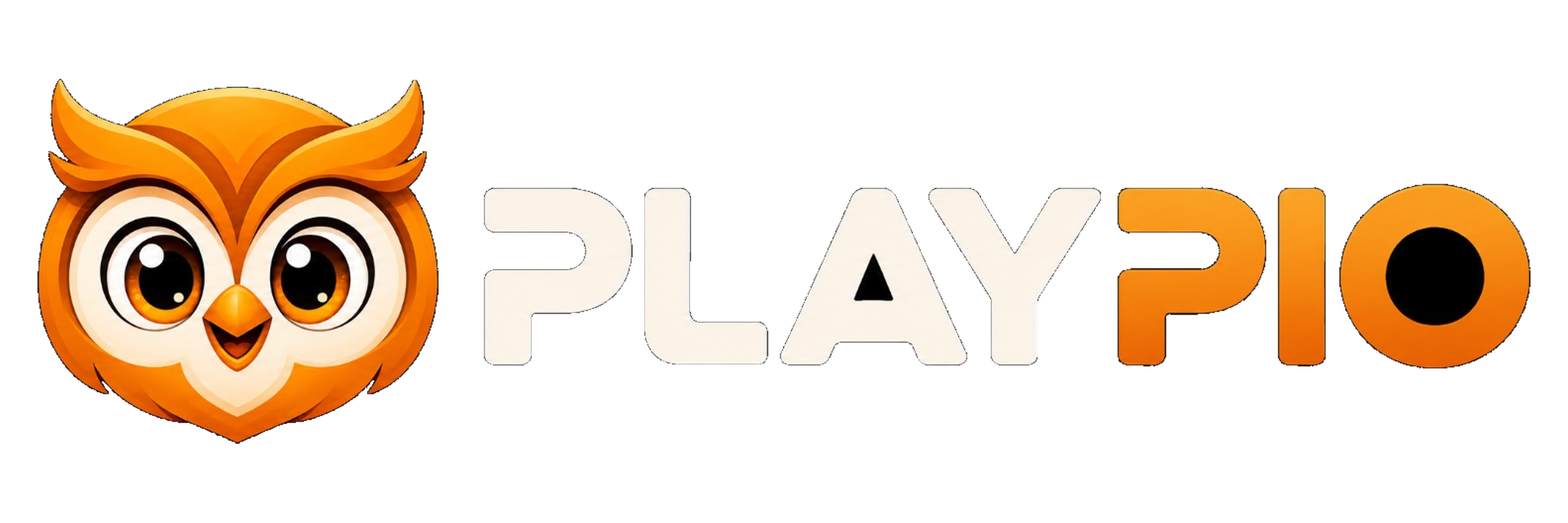
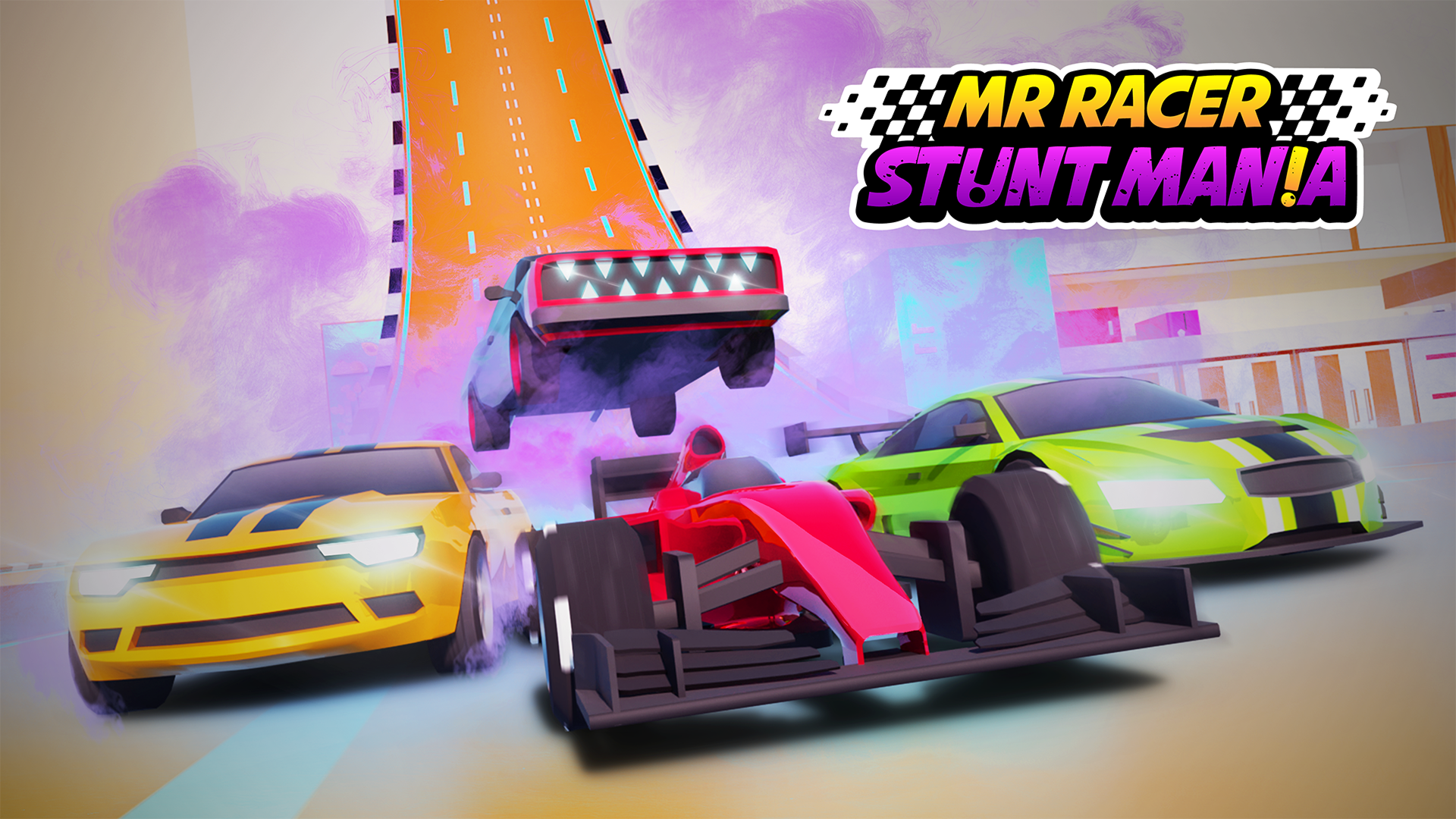
MR RACER - Car Racing drops you into fast street driving with supercars, traffic, and multiple mission styles. Your main challenge is to keep speed high while steering around cars, reacting to tight road gaps, and finishing objectives without crashing. As you progress, you can unlock more modes and improve your vehicles with upgrades and customization. The game runs in the browser, so you can jump straight into a landscape racing session on desktop or mobile without a long setup. It suits players who enjoy quick reflex tests, lane changes, and mission-based driving progression.
This game is a good pick if you like racing that is more about reflexes than perfect lines. The traffic-heavy roads, mission structure, and upgrade system give each run a clear purpose, while browser play makes it easy to start a quick race whenever you want.
Mission-based racing with progress tied to completed objectives.
Traffic-filled roads that force quick lane changes and clean overtakes.
Supercar upgrades and customization for performance and appearance.
Multiple race styles, including chase, career, and time-based play.
Browser play in landscape view for instant access on desktop or mobile.
Reach the finish or mission target while keeping your car moving at racing speed.
Avoid collisions with traffic and road obstacles.
Complete race and challenge goals to unlock additional content.
Upgrade your car to improve handling, speed, and road performance.
Choose a race or mission mode from the main menu.
Follow the on-screen prompts to steer, accelerate, and brake.
Keep your car moving quickly while watching traffic gaps ahead.
Avoid crashes and complete the current objective to advance.
Use earned progress to unlock upgrades and new racing content.
Use the on-screen controls to steer, accelerate, and brake.
Follow the in-game prompts for mode selection and upgrades.
Use the on-screen controls or follow the in-game prompts to drive and manage speed.
If keyboard input is available in your browser session, follow the game’s displayed control hints.
Look far ahead so you can react to traffic before the lane closes.
Use braking early when the road gets crowded instead of forcing a risky pass.
Upgrade performance first if you want steadier handling at higher speed.
Try different modes to practice both short objectives and longer runs.
English
It is a browser racing game focused on traffic dodging, mission goals, and car upgrades.
Yes, the game is designed for browser play and works in a landscape layout on mobile and desktop.
Yes, it includes multiple driving modes and challenge styles that change how you race and progress.
Explore different modes to progress through the game’s driving career.