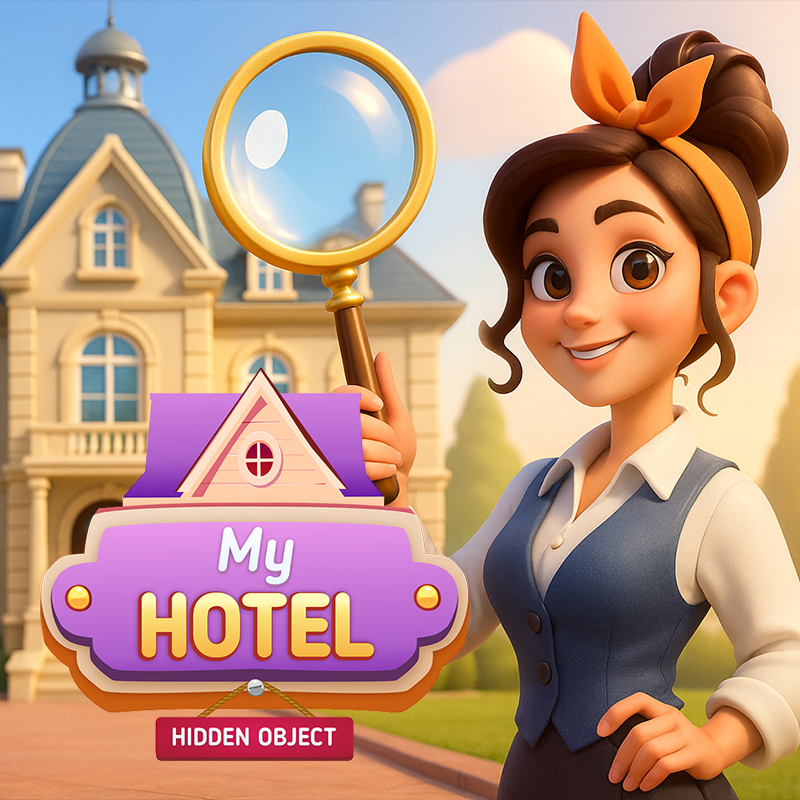
This game suits players who like observation puzzles, calm pacing, and story-driven scenes. It offers a relaxing browser experience with detailed artwork, a mystery theme, and enough challenge to keep each search engaging without rushing you.
Atmospheric hidden-object scenes set in streets, cafés, and mystery rooms.
Detective-style progression that unfolds as you clear each location.
Hint support for moments when an object is hard to spot.
Coins and trophies that can be used for outfit changes.
Browser play on desktop and mobile devices.
Find every hidden object shown on the current list.
Search each scene carefully and use hints when needed.
Clear locations to advance the detective story.
Collect rewards and unlock new outfit options for the main character.
Move through different environments while keeping track of small visual details.
Open a scene and read the object list.
Pan across the location to inspect more of the area.
Zoom in when you need a closer look at small details.
Tap or click the items you find to remove them from the list.
Use hints if you get stuck and keep searching until the scene is complete.
Use the on-screen controls to pan, zoom, and select hidden objects.
Tap items on the list or in the scene to interact with them.
Use mouse clicks to select objects and follow on-screen prompts.
Use the browser controls in-game to pan around scenes and zoom when available.
Check edges, shelves, and darker corners first, since small items often blend in there.
Zoom in on crowded areas where objects may overlap with background details.
Work through the list one item at a time instead of scanning randomly.
If the scene feels busy, pan slowly and compare similar shapes and colors.
Save hints for the most hidden objects rather than using them early.
English
It is a hidden-object puzzle game with a detective mystery theme and detailed scenes to search through.
Yes, it runs in a browser, so you can play on desktop or mobile without a separate download flow.
Yes, the hidden-object scenes are tied to a detective-style story that unfolds as you complete locations.
Yes, the game includes hints to help you move past tricky spots in each scene.