Hot

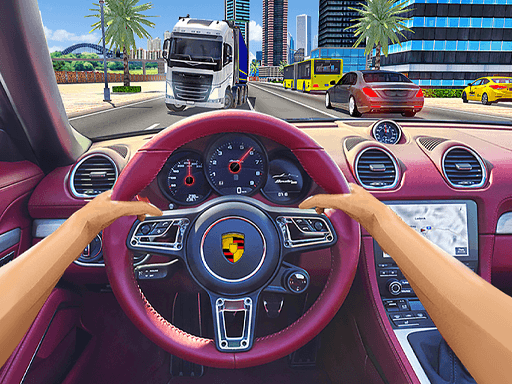
Traffic Jam 3D focuses on fast highway driving without letting speed do all the work. Your car keeps moving forward, and the real skill comes from spotting open lanes, avoiding sudden collisions, and deciding when extra speed is actually safe. Beyond pure survival, the game gives you objectives, cash rewards, car upgrades, multiple tracks, and several modes that change the pace of each session.
Accelerate, steer through traffic, and keep scanning a few cars ahead so you can change lanes before the road closes.
Complete mode objectives and longer runs to earn cash and coins for upgrades, new cars, tracks, and settings.
Use nitro when the road is clearly open, not when traffic is already tight and your reaction window is small.
Traffic Jam 3D is listed on GamePix as available on web browser for PC and mobile, but the main platform field on that page says desktop, so mobile support may vary by host or embed.
On supported mobile versions, use the on-screen driving controls shown by the game host or embed. This is an inference because the GamePix text confirms mobile availability but does not publish a touch layout in the readable page text.
Up Arrow: Accelerate
Down Arrow / Left Arrow / Right Arrow: Decelerate, turn left, turn right
N: Use nitro
Look three to four cars ahead instead of staring only at the hood of your car; that gives you much cleaner lane changes.
Do not treat every straight as a nitro moment. A smaller speed advantage is better than crashing into a lane that was never really open.
If you are learning a new mode, focus on clean traffic reads first and upgrades second; smoother runs usually bring the rewards anyway.
Drive through busy highway traffic, stay on the road as long as possible or clear mode objectives, and avoid crashes that end your streak
Yes. The readable GamePix page lists Career, Infinite, Time Against, and Free mode.
Yes. Cash and coin rewards can be used for upgrades, new cars, tracks, and settings.
No. The GamePix FAQ describes it as a single-player challenge