New

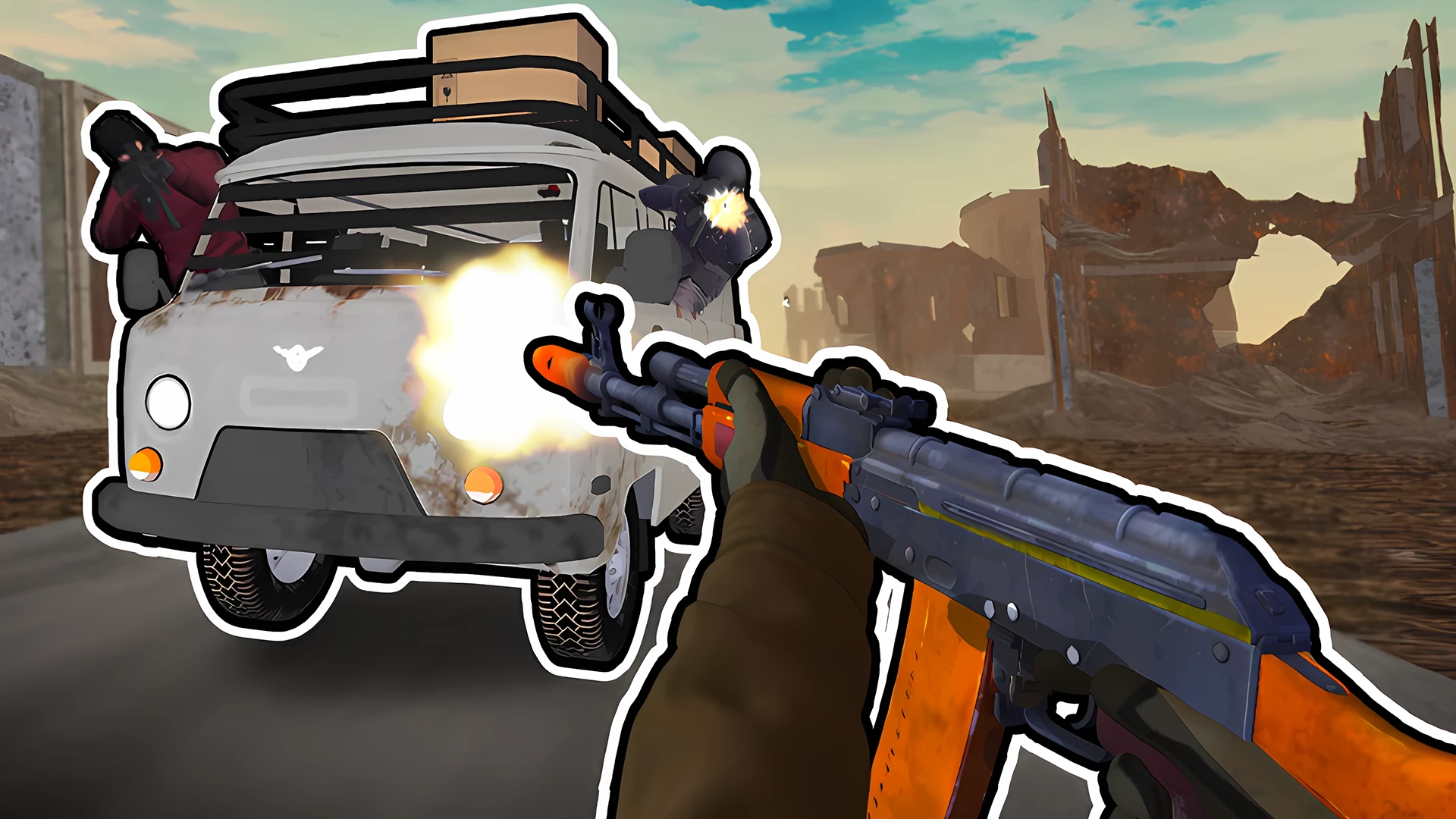
RIVALS FPS: Online Shooter drops you into fast first-person battles where positioning, aim, and teamwork matter. You can join existing matches or create your own arena, then fight across bright 3D maps with different game modes and weapon choices. The matches focus on quick online action, so every round asks you to stay mobile, watch the battlefield, and react to enemies from multiple angles. Because it runs in the browser on desktop and mobile, it is easy to launch and play without a long setup. The game is built for players who enjoy competitive shooting, short sessions, and colorful arena combat.
This game suits players who want quick browser FPS matches with team play and clear competitive goals. It is a good pick if you like map-based shooting, fast reactions, and multiplayer rounds that can be started from desktop or mobile.
Online multiplayer matches with other players in real time.
First-person shooter gameplay with a focus on aiming and movement.
Colorful 3D arenas with multiple maps to fight across.
Team-based play and friend coordination in online battles.
Different modes and leaderboards that track match performance.
Join a match or create a room to start an online battle.
Defeat enemy players and help your team control the arena.
Use weapons effectively and switch when the situation changes.
Move through the map safely while watching for attacks from different directions.
Open the game in your browser and choose to join or create a match.
Move through the map, aim at opponents, and stay aware of your surroundings.
Use available weapons and in-game actions to fight in the arena.
Work with teammates when the mode asks for team coordination.
Use the on-screen controls.
Follow the in-game prompts for movement, aiming, and actions.
Use the keyboard and mouse controls shown in the game.
Follow the in-game prompts for movement, aiming, jumping, and interaction.
Keep moving so you are harder to hit in open areas.
Learn the map layout to find safe routes and stronger positions.
Swap weapons when a fight changes from close range to longer range.
Stay near teammates in team modes to avoid isolated fights.
Use cover before crossing open space.
Yes. It runs directly in the browser on supported devices.
Yes. It is available on Android and iOS as well as desktop browsers.
No. The main focus is online multiplayer battles against other players.
Earn rewards and improve your results across matches.
Watch the match flow and adjust your position to avoid being exposed.
No installation is required to start playing in the browser.