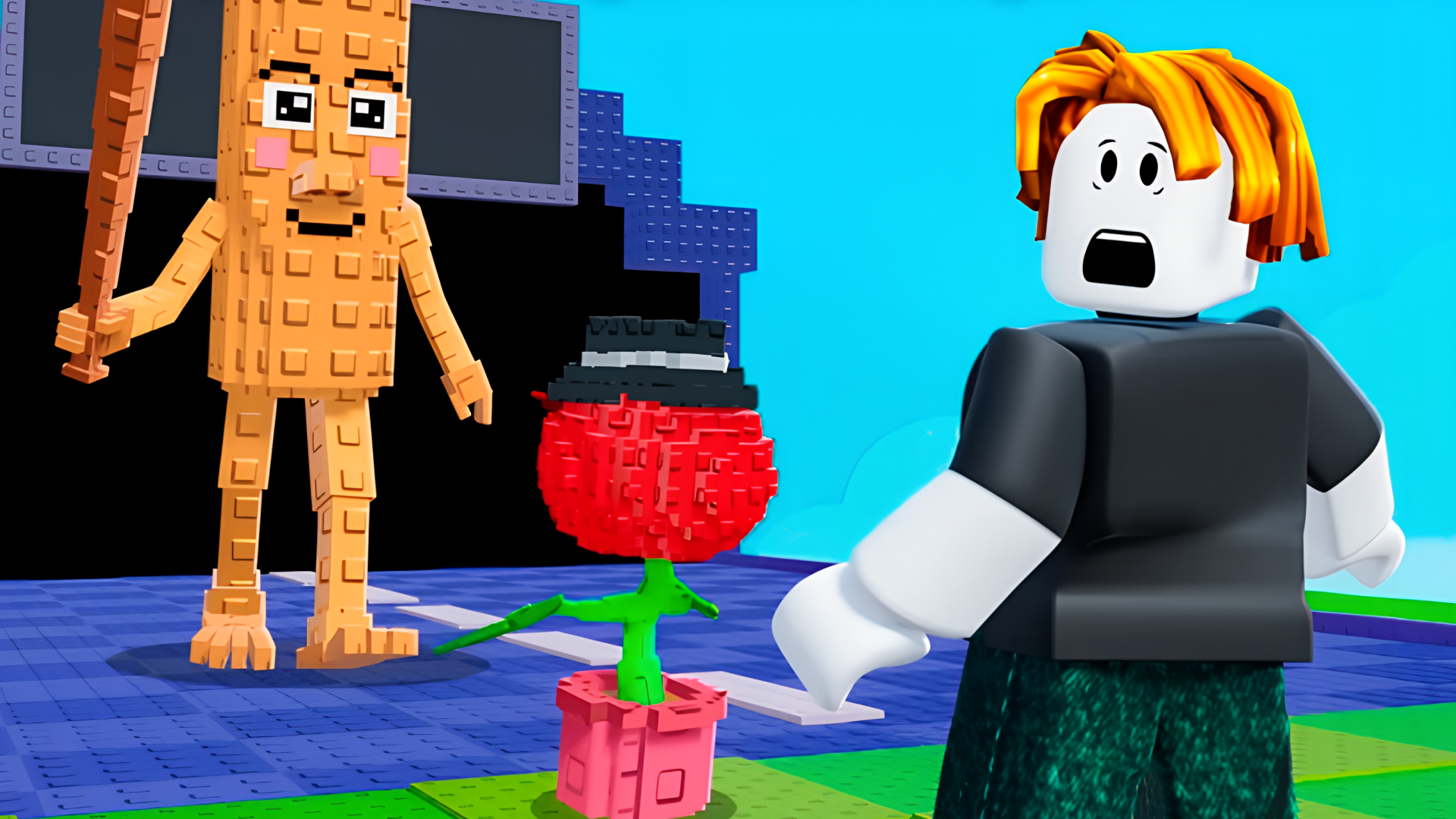

Obby: Mini-Games is a 3D browser obstacle game built around short challenge rounds and fast reactions. Players move through parkour stages, color-matching floor sections, glass bridge choices, and disappearing-tile runs while trying to finish cleanly and earn Cups. The pace changes from mode to mode, so each round asks for a different mix of timing, memory, and careful movement. Because it runs in the browser, you can jump into the action on desktop or mobile without any setup. The landscape view keeps the course layout easy to read while you focus on staying alive and reaching the finish.
This game suits players who like short, skill-based rounds with a mix of reflexes and simple rule changes. If you enjoy obstacle courses, quick read-and-react gameplay, and switching between different mini-game formats, it gives you that variety in a browser-friendly package.
Multiple mini-game modes with different movement challenges.
Parkour stages with colorful obstacle paths and finish-line goals.
Tile-based rounds that test quick decisions and pattern awareness.
Glass bridge-style choices where one option fails and the other survives.
A progression-based mode unlocks later as you keep playing.
Reach the end of each obstacle course without falling.
Step on the correct colored tiles shown by the game.
Choose the safe glass path and avoid the breaking tile.
Keep moving across disappearing platforms before they vanish.
Earn Cups and aim for the golden winner’s pedestal.
Start a round and watch the rule for the current mode.
Move carefully through parkour sections and avoid falling off.
Follow the color prompt when the floor tiles ask for a match.
Pick a glass tile and react to the result before the next jump.
Use the on-screen joystick and buttons.
Follow the in-game prompts for movement, jumping, and camera control.
Use the keyboard, mouse, or in-game prompts when available.
Use movement keys to travel, and jump when the course requires it.
Do not rush every section; some modes reward patience over speed.
Watch the top-of-screen prompt before stepping on color tiles.
In bridge-style rounds, commit to a choice quickly once you have to move.
Leave yourself room to react on disappearing platforms.
Use the camera angle to line up jumps before entering narrow paths.
It is a 3D obstacle and mini-game challenge where you complete different course-based rounds and try to finish safely.
Yes. It runs in the browser, so you can play without installing anything.
Yes. The game includes several modes such as parkour, color tiles, glass bridge, and disappearing-tile challenges.
Keep crossing while the floor stays active in disappearing-tile rounds.
Play on desktop or mobile directly in the browser.
It works on both. Desktop can feel easier for precise movement, while mobile uses touch controls and still supports the same browser play format.