
New

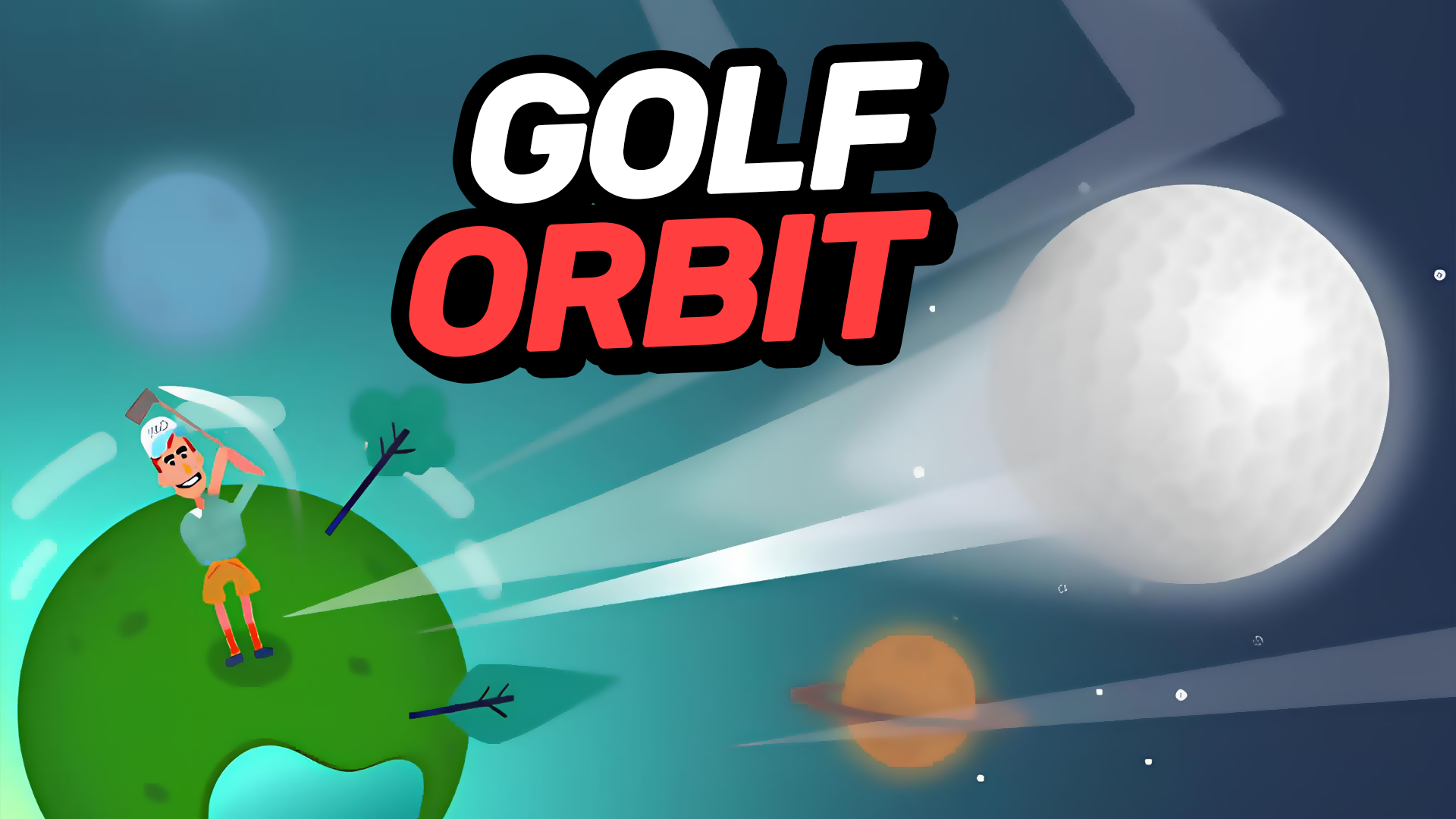
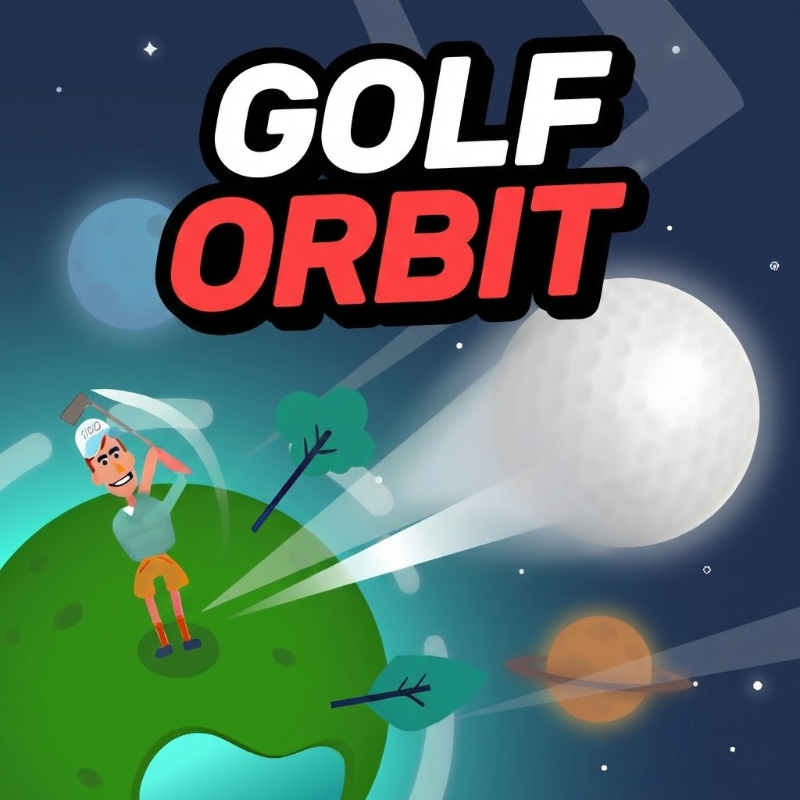
Golf Orbit is a casual arcade golf game built around timing, distance, and upgrades. Each shot asks you to launch the ball as far as possible, aiming for stronger hits so it can travel across the course and beyond. The game uses simple browser-based play, so you can jump in quickly on desktop or mobile without a long setup. As you earn rewards from strong shots and progress through levels, you can improve your flight, power, and other abilities. The stylized cartoon look keeps the action light and readable, while obstacles and target zones add a steady challenge to every attempt.
Golf Orbit is a good pick if you like short, score-focused arcade games with easy controls and visible progression. It mixes simple golf timing with upgrade goals, so each launch can feel better than the last as you improve your distance and power.
Timing-based shots that reward landing in the strongest hit zone.
Long-distance golf launches with physics-driven ball flight.
Upgrade system for shot power, flight speed, and other abilities.
Simple one-button style gameplay with fast round restarts.
Cartoon-style visuals with clear course obstacles and targets.
Launch the golf ball as far as possible on each attempt.
Hit the best timing zone to increase shot strength.
Reach holes, green zones, or farther checkpoints to continue progress.
Earn rewards and use them to improve your shot stats.
Avoid poor aim that can end a run early.
Use the on-screen controls to line up your shot.
Launch at the right moment to hit the strongest timing zone.
Watch the ball’s flight and keep improving your upgrades after each round.
Follow the in-game prompts to progress through shots and challenges.
Tap and drag using the on-screen controls.
Follow the timing prompt to release your shot.
Use the on-screen controls with your mouse.
Follow the timing prompt and click or release when the shot window is best.
Aim for the green timing area whenever possible for stronger launches.
Upgrade power and flight speed early to improve distance quickly.
Use the distance from each run to decide what to improve next.
Watch for obstacles that can break up weaker shots.
It is an arcade sports game focused on golf launches, timing, and distance-based progression.
Yes. It runs in a browser iframe, so you can play without downloading extra software.
Yes. You can improve abilities such as shot power and flight speed as you progress.