
Hot

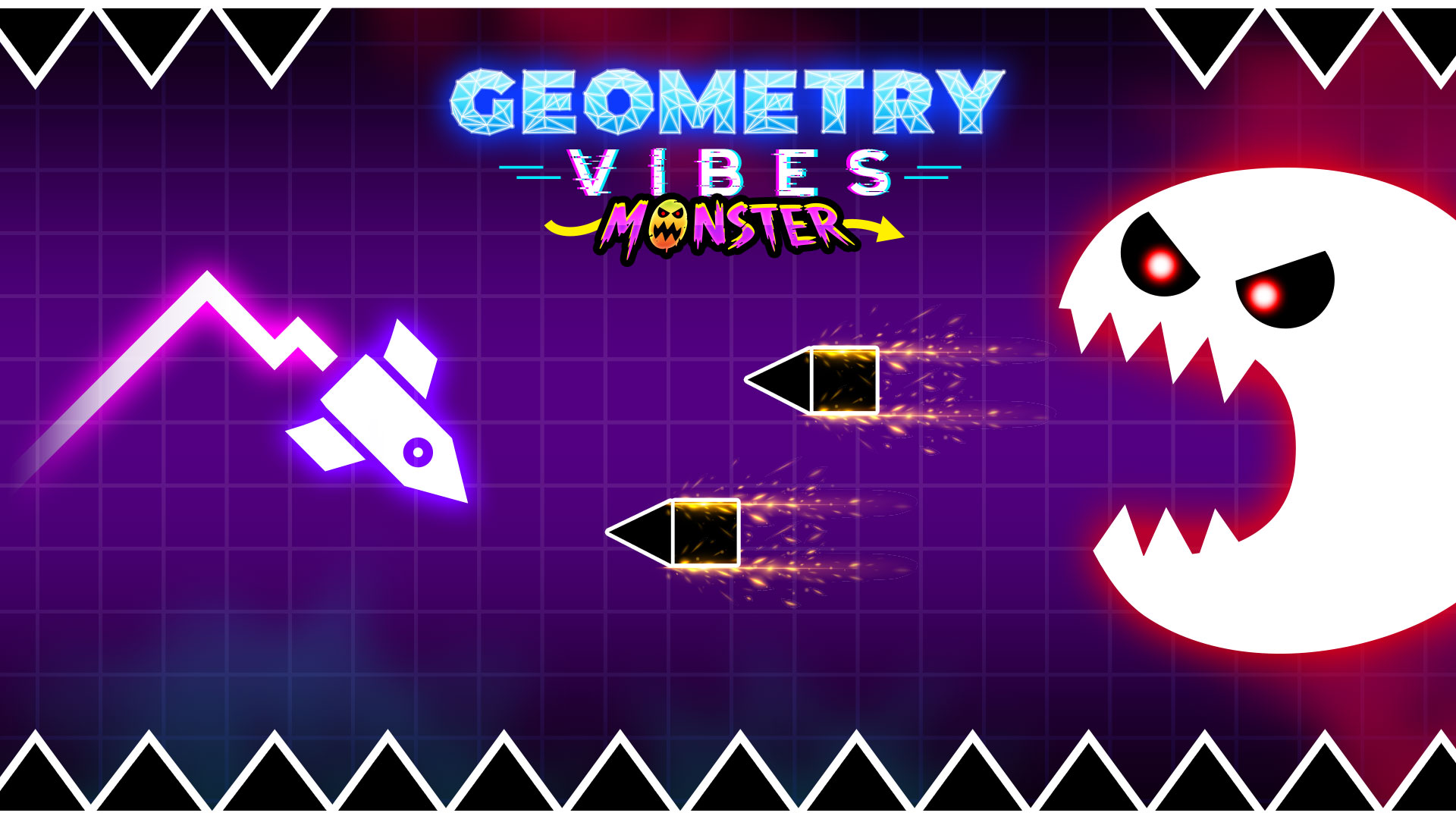
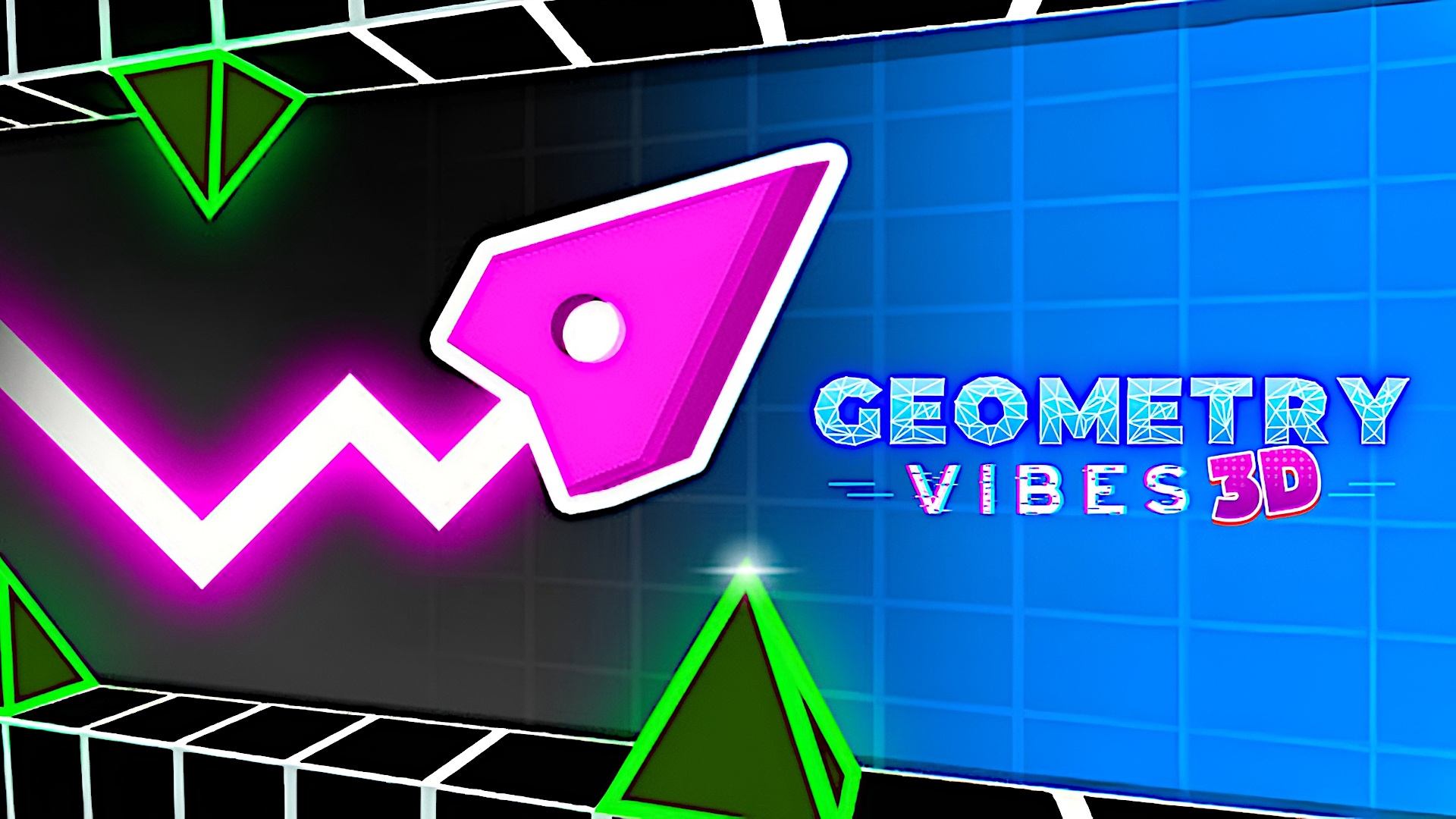
Geometry Vibes 3D is a browser-based 3D arcade skill game built around fast reactions and clean timing. You guide an arrow through sharp geometric tracks, avoiding obstacles while following the pace of the level. Classic mode offers multiple difficulty settings, while Endless mode pushes you to survive for as long as possible and climb the leaderboard. As you play, you can collect stars, unlock cosmetic items, and try a local 2-player challenge for head-to-head runs. It plays smoothly in the browser on desktop and mobile, making it easy to jump in for quick sessions or longer score chases.
Geometry Vibes 3D suits players who like fast, timing-based arcade challenges with a clean visual style. It combines reflex gameplay, collectible progression, and score chasing in a browser-friendly format that works well for short breaks or repeat attempts.
Fully 3D tracks with bright geometric visuals and fast lane changes.
Classic mode with Rookie, Pro, and Expert difficulty options.
Collectible stars that can be used to unlock skins and trails.
Endless mode with leaderboard competition for high-score runs.
Local 2-player mode for direct same-device competition.
Browser play on desktop and mobile with touch support.
Stay on the track and avoid crashing into obstacles.
Collect stars during Classic mode runs to earn unlocks.
Complete levels on different difficulty settings.
Survive as long as possible in Endless mode and improve your leaderboard position.
Challenge a second player in local 2-player mode.
Start a mode and follow the on-screen prompts.
Use the available jump or move input to keep your arrow clear of obstacles.
In two-player mode, each player uses their own jump control.
Collect stars in Classic mode when they appear along the route.
Retry runs to improve your timing, unlocks, and scores.
Tap the screen when prompted to jump or move.
Follow the on-screen touch controls during each mode.
Use the on-screen keyboard or prompt-based controls shown in the game.
In two-player mode, each player uses the assigned key or click input shown on screen.
Watch the rhythm of obstacles before making late jumps.
Use star collection runs to build unlock progress in Classic mode.
Try lower difficulty first if you want to learn the course patterns.
In Endless mode, focus on survival before chasing leaderboard rank.
Keep inputs light and timed instead of tapping too early.
Yes. It runs directly in the browser, so you can start without installing anything.
Yes. Classic mode includes Rookie, Pro, and Expert settings.
Yes. The game includes a local 2-player mode for same-device competition.
Stars act as a reward for skilled runs and can be used to unlock cosmetic items in the game.